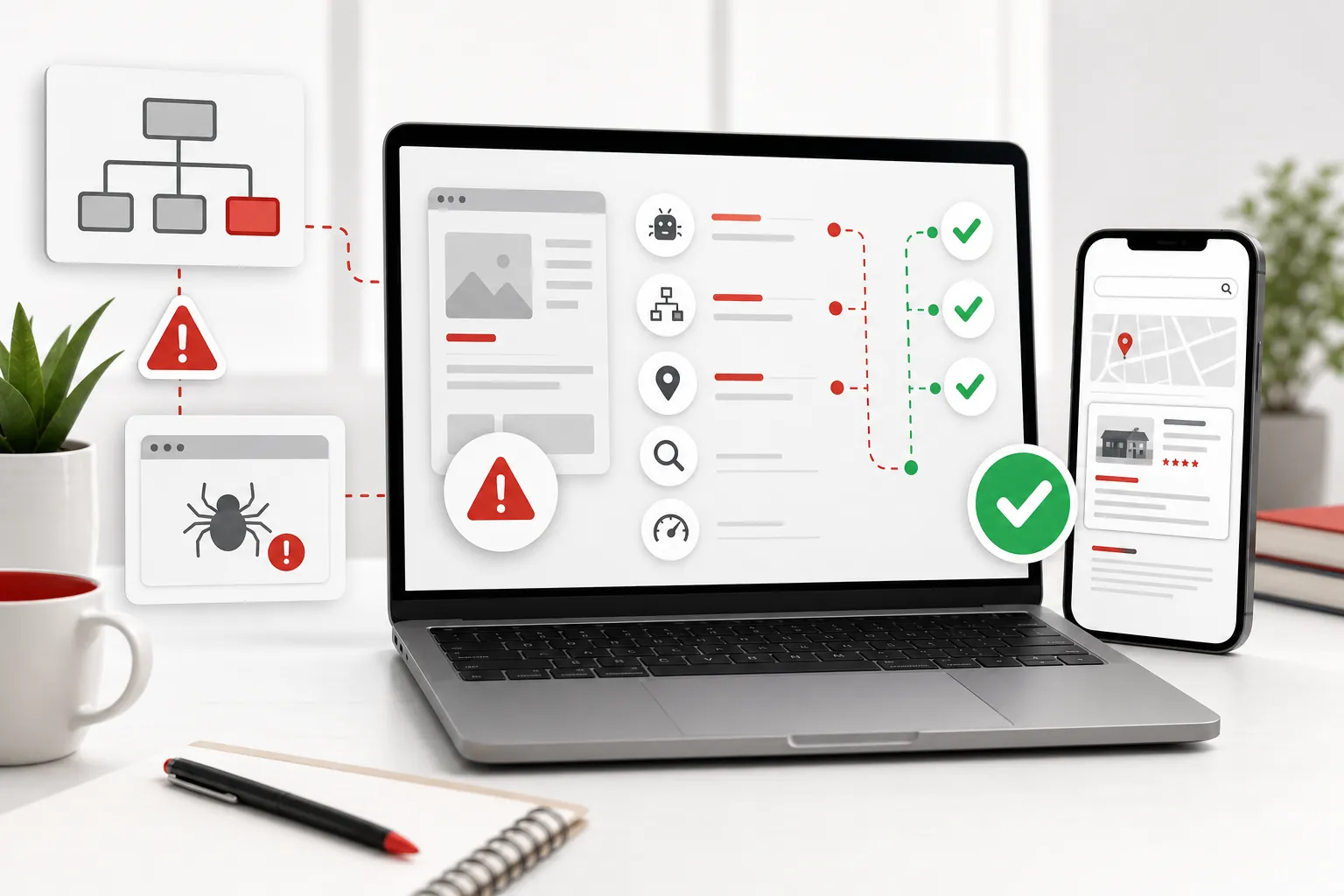
Website maintenance is not the glamorous part of owning a website. It is the work that keeps the useful part working: pages stay live, forms still send, backups exist, software gets updated carefully and the information customers see is not three years out of date. The cost matters, but the headline monthly figure is only useful once you know what it actually buys.
UK searches for website maintenance costs bring up everything from a cheap hosting add-on to a fully managed service with regular improvements and priority support. That is why quotes can look wildly different while both are called a “maintenance package”. A small brochure site with a handful of pages has a different level of risk and support need from a busy ecommerce site, a membership platform or a business that changes prices and services every week.
The practical answer is this: buy the level of care that protects the parts of the website your business depends on, then insist on a clear boundary between routine maintenance and separately planned work. A cheap plan that does not cover a dead enquiry form is not cheap when that form costs you a customer. A costly plan that cannot show what was done is not reassuring just because it has a tidy name.
What does website maintenance cost in the UK?
A useful way to budget is to think in service levels rather than hunt for one universal number. Current UK comparison guides commonly place basic care for a straightforward site in the tens of pounds per month, with more hands-on support and managed services moving into higher monthly budgets. For example, one recent small-business guide places basic plans around £25 to £50 a month and broader support around £50 to £100, while another explains that the included support time is often the main reason one plan costs more than another. A current UK maintenance-cost breakdown and a separate UK comparison of support levels make the same useful point: the scope matters more than the label.
That does not mean every business should pay for the most expensive option. It means the quote should match the job. If the website is a simple, rarely changed brochure site, a light-touch plan may be enough. If the site carries bookings, customer data, paid campaigns, online sales or a constant stream of new content, waiting several working days for help can be a false economy.
| Level of cover | Usually suits | What should be included | Watch for |
|---|---|---|---|
| DIY or hosting-only | A very simple site with an owner who can make safe changes. | Hosting access, renewals and a clear backup route. | No named person to fix a broken page, form or update. |
| Essential maintenance | A small site that needs protection more than frequent edits. | Backups, routine updates, security checks and basic monitoring. | Vague wording such as “security included” with no actual process. |
| Maintenance plus support | A business that needs occasional changes and reliable help. | Essential care plus defined support time, fixes and small content updates. | Support hours that quietly expire or do not cover investigation time. |
| Fully managed website | An owner who wants the site actively looked after and improved. | Ongoing care, support, planned changes, performance review and clear priorities. | A large monthly fee with no visible record of improvements. |
What you are actually paying for
Good website maintenance is a bundle of small, unglamorous jobs that prevent a bigger, more expensive problem. The essential jobs are usually updates, backups, monitoring, security checks and recovery support. A better service also keeps the business information current and makes sure customers can still complete the actions that matter: call, enquire, book, buy or request a quote.
The exact list varies by platform, but the standard should be clear. A provider should be able to say how they update the site, whether updates are checked before they go live, how backups are stored, who receives an alert when the site is unavailable and what happens if a routine change causes a problem. If the answer is a fog of “we keep an eye on it”, keep asking. That is not a process. It is a phrase.

Updates, backups and security are not optional extras
Every website relies on a stack of moving parts: the hosting environment, the website platform, themes, plugins, forms, integrations and the browsers customers use. Some sites have fewer moving parts than others, but none stay frozen forever. Software updates can close security issues, change browser behaviour or affect the way a form, booking tool or tracking tag works.
The National Cyber Security Centre’s small-organisation guidance puts backups and protecting online accounts among the basic habits that reduce the risk of cyber incidents. Its guide for small organisations is a useful reminder that prevention is ordinary business housekeeping, not something to start only after a problem appears. If your site uses WordPress, the official guidance also recommends taking a backup before updating so there is a recovery route if anything goes wrong. WordPress’s update guidance explains that step plainly.
A worthwhile plan does more than press an update button. It has a sensible order: back up, apply the change, check the key customer journeys, and know how to restore the site if the change has an unintended effect. For a restaurant, that might mean checking the menu and booking route. For a trades business, it means checking phone links and quote forms. For an ecommerce store, it means checking the basket, payment path and confirmation emails.
Why two maintenance quotes can be so far apart
Price changes with the responsibility the provider is taking on. A low-cost plan may simply run automated backups and apply simple updates. That can be appropriate for a small, stable site. A higher-cost plan may include a named support route, testing, recovery work, response-time commitments, content updates, performance reviews and time to improve the website before it becomes a problem.
The platform matters too. A static information site generally needs less hands-on care than a site with a complex content system, lots of third-party plugins, customer logins, a changing catalogue or a booking integration. WordPress itself notes that web-host security and website-application security are different responsibilities. Its security guidance makes clear that a host cannot automatically own every security decision inside the website.
Then there is the human part. A maintenance plan that includes an hour of support each month is not the same as one that gives you a ticket queue with no expectation of when a real person will respond. If your business relies on the site for new work, ask how urgent failures are treated and what the provider considers urgent. A broken enquiry form is not a cosmetic issue. It is a lost-sales issue.
How your type of website changes the cost
The number of pages is only one part of the maintenance job. A five-page site with a simple contact form may need little more than routine checks and an occasional edit. A five-page site that relies on a booking engine, a payment system, several marketing tools and a customer database can need much closer attention. The visible site may look equally small, but the number of things that can fail is very different.
A local service business should think about the routes that turn interest into a customer: phone links, contact forms, quote forms, maps, opening hours, service-area information and reviews. A maintenance plan should protect those routes and make it easy to correct them when the business changes. If a new service, price or staff member appears on the business but not on the website for six months, customers are left to guess which version is true.
Ecommerce sites usually need a higher level of care because there are more commercial moving parts. Product pages, stock data, payment providers, delivery rules, customer emails, tax settings and checkout behaviour all need attention. A change that looks small can stop someone completing a purchase. That does not mean every online shop needs an enterprise contract. It means the support plan should explicitly cover the checkout and the systems that keep it working.
Businesses with a content-heavy or WordPress site need to be careful about plugin sprawl. A plugin can be useful, but each one is another piece of software with updates, compatibility questions and an eventual end-of-life risk. The answer is not to panic and remove everything. It is to keep a sensible record of what the site relies on, remove tools nobody uses and make sure routine updates are applied with a recovery plan behind them.
Finally, consider the cost of delay. A firm that gets most of its leads from word of mouth may cope with a short problem more easily than a business running paid advertising or a seasonal offer. If traffic is being sent to the site every day, an issue should be found and fixed quickly. The plan should reflect that rather than treat every request as equally urgent.
Small content changes are where plans often become unclear
Many owners assume maintenance includes all routine website changes. Many providers mean only security, backups and technical upkeep. Neither assumption is automatically wrong, but a quote should state the answer. Ask whether the plan includes updating a phone number, replacing a photo, changing an opening hour, adding a testimonial, updating a price or fixing a paragraph that has become confusing.
These changes are not merely cosmetic. Out-of-date pricing, a former member of staff, a closed location, an inaccurate service list or a broken call-to-action can all make a customer hesitate. A site does not need a major redesign every time the business changes. It needs an easy, accountable route for keeping the information honest and useful.
This is also where a managed service can be easier to budget for than a sequence of ad-hoc invoices. The owner can request ordinary changes as part of normal website care, while larger work is scoped before anyone starts. The important thing is that “small change” is defined in terms a non-technical owner can recognise, not hidden behind a vague allowance.
Do not confuse hosting with maintenance
Hosting is the service that makes the website available on a server. It is necessary, but it is not the same as maintaining the site. A hosting company may keep the server running while the words on your service page are wrong, the contact form has stopped delivering, the site needs a browser fix or a plugin update has caused a conflict.
Some businesses prefer separate hosting, maintenance and design suppliers. Others prefer one accountable partner. Either can work. The important thing is knowing who owns the domain, who can access the hosting account, where the backups sit, who has administrator access and who is responsible when something breaks. The wrong time to discover this is at 9am on a Monday when a campaign is sending people to a dead page.
If you are also reviewing the wider running cost of your site, compare this guide with oursmall-business website cost guide and make sure your website plan leaves room for both the initial build and the care that follows it.
What should be included in a proper maintenance plan?
Start with the minimum viable scope. You should be able to see routine software and security updates, regular backups, monitoring, a recovery path and a way to report a fault. Then decide whether you need small content edits, technical support, accessibility improvements, speed work, conversion fixes or ongoing growth work as part of the same service. There is no prize for buying a bigger plan than you will use, but there is also no prize for choosing a bare-bones plan that leaves the important work with nobody.
A plan should also explain what sits outside the monthly fee. Larger redesigns, new functionality, professional photography, complex integrations, paid tools and urgent out-of-hours work may reasonably be quoted separately. That is not a problem when it is clear in advance. It becomes a problem when the provider sells “everything included” and then treats every meaningful task as an exception.
Owners who need a clearer picture of their current risks can start with a website audit checklist before comparing plans. It helps separate the immediate repairs from the ongoing habits that keep the website healthy.

Questions to ask before you sign
The best maintenance providers make these questions easy to answer. Ask how often the site is checked, what happens after an update, whether backups are stored away from the main website, how a restore is tested, which small changes are included and how quickly serious faults are handled. Ask whether support time is included, whether it rolls over and what counts as a separate project.
Also ask for a sample of recent work. A good provider does not need to reveal another customer’s confidential details, but they should be able to show the kind of improvements they make: a fixed form, a clearer page, a speed improvement, a protected old address, an updated service, a better mobile journey or a monthly plan that follows real business priorities. That is more useful than a dashboard full of coloured arrows.
For bigger decisions, use the same discipline you would use when hiring any specialist: compare the scope, the evidence, the communication and the terms. Our guides on choosing a web designer and evaluating a proposal cover the questions that expose vague promises before they become an expensive contract.
Red flags in a website maintenance quote
The clearest warning sign is a package that promises “complete peace of mind” but does not identify any work, support limit or response time. It may sound reassuring, but it leaves the customer with no way to judge whether the website is being cared for or simply hosted. Plain language is not a luxury here. It is how you know what you are buying.
Be cautious when a provider cannot explain ownership. Your business should know who controls the domain name, hosting account, website files, analytics access and any paid tools used to run the site. A trusted provider can manage those things on your behalf, but the business should not be locked out of its own digital front door.
Another red flag is treating backups as a box ticked without mentioning recovery. A backup is useful only if it is recent, stored safely and can be restored when needed. Ask what the restore process looks like and whether the provider checks that it works. You do not need a lecture on servers. You need to know that there is a credible route back if a bad update, mistake or security issue takes the website down.
Also watch for a support plan that makes the provider difficult to reach. A ticket system can be perfectly sensible, but the business should know what happens when an urgent problem affects customers. If every issue is “logged for the next maintenance window”, the plan may be too light for a website that matters to daily sales.
None of this means a small business must buy the largest available package. It means the provider should give you enough information to make a calm choice. A clear modest plan is better than a grand promise that disappears when the first real problem appears.
How to compare maintenance plans like for like
Put each quote beside the same short list of questions. First, what is included every month? Second, what is checked after a change or update? Third, how are backups handled and who can restore the site? Fourth, how do you ask for help and how quickly can a serious issue be addressed? Fifth, which everyday edits are included? Finally, what is definitely outside the plan and how will it be priced?
That exercise often reveals that two plans with the same monthly cost are not actually competing. One might be a basic technical safety net, while the other includes time to make changes, improve customer journeys and explain the work. Equally, a more expensive plan may include work the business simply does not need. Comparing the scope stops the decision becoming a race between two numbers with no context.
Be realistic about the hours too. A plan with “unlimited updates” sounds attractive, but it should still explain what counts as an update and how requests are prioritised. A defined allowance can be perfectly fair when it is enough for the ordinary changes your business makes. The problem is not a limit. The problem is a limit you discover only after a request has been rejected or turned into a surprise quote.
It is worth looking at the relationship between maintenance and improvement. Routine care keeps the website safe and accurate. Improvement work makes it clearer, more useful and better at earning enquiries. Some businesses want those jobs bundled together. Others prefer a low-cost maintenance base with separate projects for bigger changes. Both choices can work, as long as the owner knows which work will happen and does not expect a basic backup plan to quietly deliver a full programme of website growth.
Maintenance, support or a redesign: which problem are you solving?
Maintenance is the right answer when the website is broadly doing its job but needs to stay secure, accurate and dependable. Support is the right answer when the site needs regular practical changes or an expert to help solve issues as they appear. A redesign is the right answer when the structure, message, mobile experience or customer journey is no longer good enough for the business.
Mixing these jobs up is how owners end up buying a maintenance plan for a website that needs a clearer offer, or commissioning a full rebuild when a handful of focused fixes would do more. Before committing, ask one simple question: is the problem that the website is not being looked after, or that it is no longer the right website for the business? The answer should shape the budget.
If the site feels dated but still has useful pages, customer proof and a working enquiry route, do not assume a redesign is the only option. Start by reviewing the pages closest to revenue, the mobile experience and the gaps customers notice first. Our website redesign service is built around protecting what already matters before changing what does not.
When a small business should pay for more support
Pay for a stronger level of care when the website has a real operational role. That could be a steady flow of enquiries, online bookings, customer payments, regulated information, a busy local campaign or a service page that regularly changes. The more the business loses when the site is wrong or unavailable, the more sensible it is to have a quicker, accountable support route.
You may also need more support after a redesign or migration. A new site needs a period of careful observation while the business checks that customers can find the right pages, old addresses land correctly and forms, analytics, email and booking tools work as expected. Our website redesign process guide explains why launch is a handover point, not the end of the job.
That is the principle behind a managed website service: ongoing care should preserve the value of the initial work, not leave it to decay until the next expensive rebuild. The support level can grow as the business grows, but it should always be tied to real business risk and opportunity.
Use this website maintenance checklist
- Ask for a written list of every routine task included each month.
- Confirm how often backups run, where they are stored and how a restore is tested.
- Check who handles security, software and browser-compatibility updates.
- Ask what response time applies when the website, form or booking route stops working.
- Separate small routine updates from larger design, content or feature projects.
- Make sure you know who owns the domain, hosting account, website files and paid tools.
- Choose a service that can explain the work in plain English and show what changed.
How 118 118 Sites helps
118 118 Sites is built for owners who do not want a website handed over and forgotten. The aim is to keep the important basics looked after, then make the next useful improvement: clarify an offer, fix a customer journey, protect a page that already matters, add a useful guide or strengthen the evidence that helps visitors trust the business.
You can see the wider approach on our website maintenance services and website management services pages, then use the free site audit to see which gaps deserve attention first. A sensible plan should leave you with a website that is easier to run today and less likely to become an expensive surprise tomorrow.
Frequently asked questions
How much does website maintenance cost in the UK?
For a simple small-business website, a basic maintenance plan can cost a modest monthly amount, while a more hands-on service costs more because it includes support time, content changes, performance work and faster help when something goes wrong. The better comparison is the exact scope: backups, updates, monitoring, support hours, response times and what happens when a change breaks something.
What should website maintenance include?
At minimum, a useful plan should make clear who handles software and security updates, backups, uptime checks, broken features and renewal reminders. A fuller service may also include small content changes, performance checks, accessibility fixes, reporting and advice. Ask for the line between routine care and separately quoted project work in writing.
Can I maintain my own website?
You can, particularly when the site is simple and you are comfortable making careful updates. You still need a backup and recovery plan, time to test changes, secure access and a way to get help if an update breaks the site. For many owners, the decision is less about whether they can do it and more about whether they should be spending that time away from the business.
Is hosting the same as website maintenance?
No. Hosting keeps the website on a server; website maintenance is the ongoing work that keeps the site accurate, secure, backed up, working and useful. Some providers bundle both, which can be straightforward, but you should still confirm exactly what support and ownership are included.