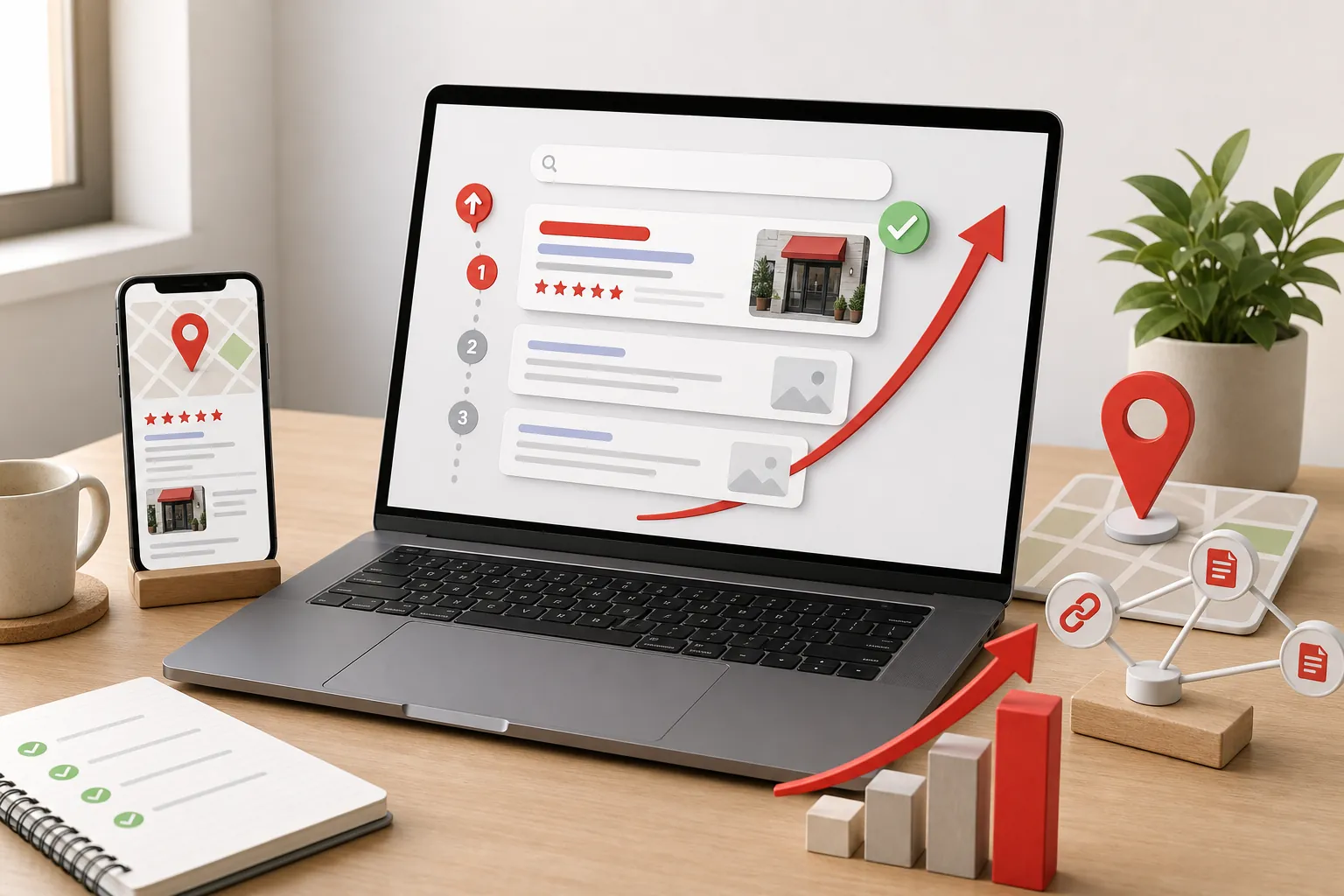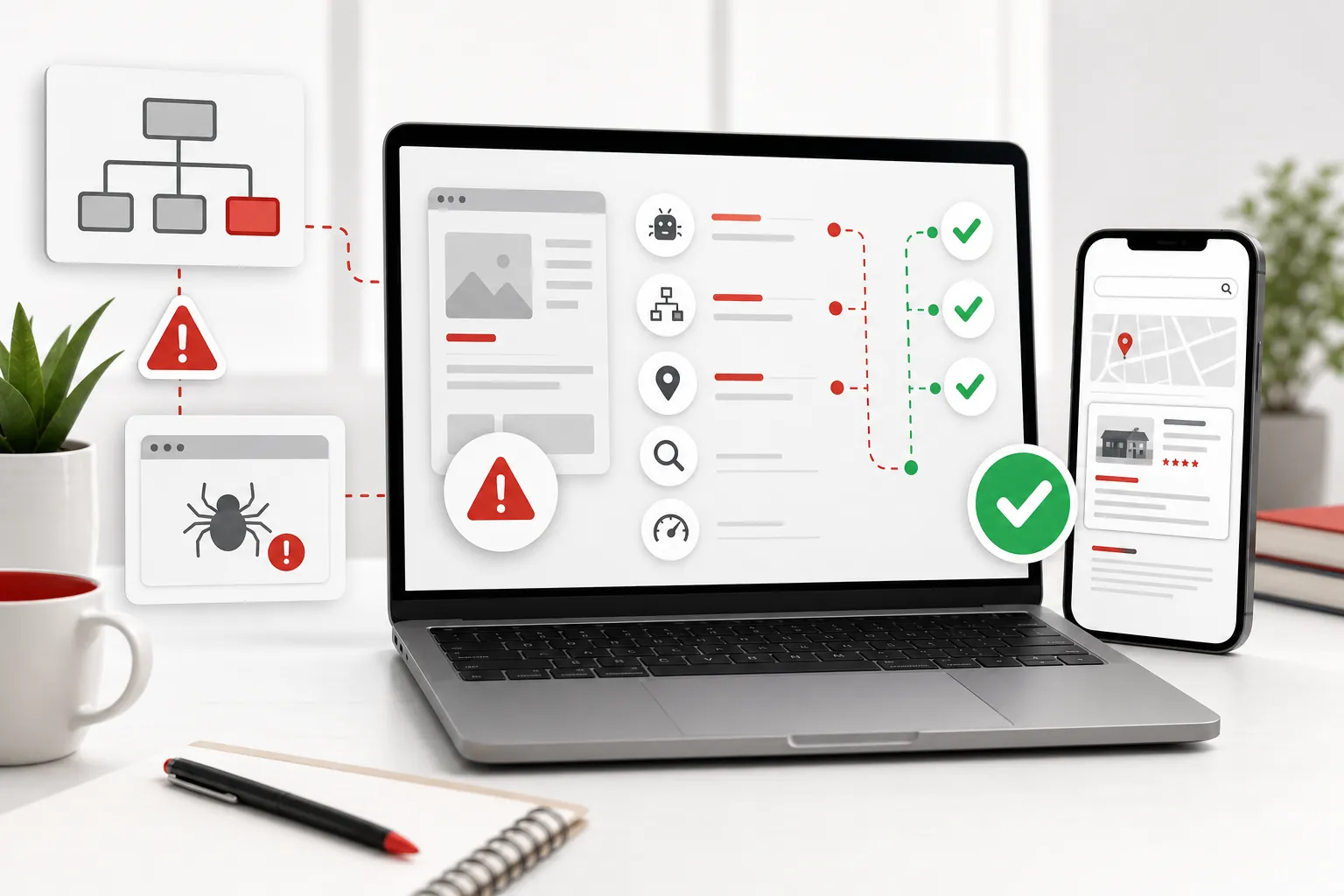
If your website is not showing on Google, do not start by changing the colours, buying random backlinks, or writing five panicked blog posts. Start by working out which problem you actually have: Google has not found the page, Google found it but did not index it, the wrong page is being shown, or the page is indexed but buried so deep nobody sees it.
Those are different problems. Treating them as one big “SEO issue” is how small businesses waste weeks fixing the wrong thing. A page that is blocked by a noindex tag needs a technical fix. A page that says almost nothing useful needs better content. A local business with a thin Google Business Profile needs stronger local signals. A new site may simply need discovery, internal links and time.
Google’s own Search Console is the best first place to look because it can show whether Google knows about a URL, whether it is indexable, and why it may not be included in search. The useful question is not “why does Google hate me?” It is “which signal is missing?” Google's URL Inspection guide
First, check whether the page is indexed
Search for your exact business name and then search Google for site:yourdomain.co.uk. This quick check is imperfect, but it tells you whether any pages are visible. If the homepage appears but the important service page does not, the site is not completely invisible. Google may simply not trust, understand or prioritise that specific page yet.
Then use Search Console. Open URL Inspection, paste the exact page address, and look at the result. If it says the URL is on Google, the problem is usually ranking, relevance, title strength or competition. If it says the URL is not on Google, inspect the reason before making content changes. Guessing is free, but so is being wrong.
For owners who have not connected Search Console yet, that is the first job. It shows indexing, impressions, clicks and search queries, so it turns the problem from a mystery into a list of fixes. The 118 118 Sites free site audit is built around the same idea: show the gaps plainly before asking anyone to spend money.
Reason 1: Google has not discovered the page
Google discovers pages through links, sitemaps and crawling. If a new page is live but not linked from the menu, footer, homepage, related articles or another crawlable page, Google may not treat it as important. Visitors will not either. A hidden page is not a strategy; it is a cupboard with a nice URL.
A sitemap helps by listing the URLs you want search engines to discover. Google says submitting a sitemap is a hint rather than a guarantee, but it is still sensible hygiene for a small-business site. Submit the sitemap in Search Console and make sure it includes the actual pages that should rank, not old drafts, test pages or missing URLs. Google's sitemap guidance
Internal links matter too. If you publish a page about emergency callouts, link to it from the homepage, the services page, relevant FAQs and any related guides. That helps Google understand the page, and it helps customers move from research to action without hunting around the site.
Reason 2: the page is blocked from indexing
A page can be live and still blocked from Google. The usual culprits are noindex settings, robots.txt blocks, password protection, staging-site settings, broken redirects, pages that return errors, or a canonical tag pointing Google to a different URL. These are not cosmetic problems. If Google is being told not to index the page, better copy will not fix it.
Google’s documentation is clear that a noindex rule can prevent a page from being included in search results. This often happens accidentally when a site was built privately and the “hide from search engines” setting never got turned off. It can also happen when a plugin or template applies the wrong setting to a whole section of the site. Google's noindex guidance
Search Console will usually expose these issues faster than a visual review. A page can look perfectly normal in a browser while sending search engines the wrong instruction. That is why the first fix is diagnostic: check the exact URL, read the reason, then fix the blocker.
Reason 3: the page is too vague to rank
Many small-business pages technically can be indexed, but they are too vague to deserve a useful position. A homepage that says “we provide quality solutions” does not help Google understand whether you are a plumber, accountant, dog groomer, wedding florist, or website company. Humans are not thrilled by that sentence either.
Each important service needs a clear page with the words customers actually use. Name the service, location, audience, problem, process, proof and next step. If customers search for “small business SEO services”, then a page that only says “digital growth support” is making Google work too hard. The small-business SEO services pageshows the kind of focused commercial page that can support a real buying-intent search.
This does not mean stuffing one keyword into every heading. It means being specific enough that Google and a customer both understand the same thing. Specific pages rank and convert better because they answer the query in front of them.
Reason 4: the site has weak trust signals
Google is not only matching words. It is trying to show useful, reliable results. Customers are doing the same thing in a much less patient way. If your page has no reviews, no real examples, no pricing clues, no contact clarity, no local details and no proof, visitors may leave even if they find it. Search engines can pick up weak engagement and weak reputation signals over time.
Add trust where the decision happens. Put reviews near service claims. Put pricing context where cost anxiety starts. Put proof beside the offer, not hidden in a footer. 118 118 Sites uses a dedicated proof page and clear pricing because search traffic is only useful when visitors believe enough to act.
Trust is also practical. A page that explains what happens next, who the service is for, and how to start reduces doubt. Ranking brings the visitor to the door. Trust gets them to knock.
Reason 5: local signals are inconsistent
If your business serves a local area, your website and Google Business Profile need to tell the same story. Google says local results are mainly based on relevance, distance and prominence. Complete, accurate business information helps Google understand what you do and match you to relevant local searches. Google's local ranking guidance
That means your business name, services, location, categories, phone number, opening hours, reviews and website copy should line up. If the profile says one thing and the site says another, Google has a harder job. Customers do too. Confusion does not convert.
Local pages also need real substance. A page for “plumber in Cardiff” should not be the same as the page for “plumber in Swansea” with one town swapped. It should show service detail, local proof, coverage, common jobs and useful answers. Thin location pages are easy to create and easy to ignore.
Reason 6: the page is indexed but buried
Sometimes the page is showing on Google, just nowhere useful. That is still a visibility problem, but it is not the same as an indexing problem. Search Console impressions are the clue. If a page gets impressions but few or no clicks, it may need a better title, clearer description, stronger search intent match or more compelling proof.
If the page gets no impressions for the searches that matter, it may need better internal links, more specific content, stronger supporting articles or a dedicated page for the actual query. For example, a blog guide can answer “how do I get my website on Google” while a service page can target people who are ready to pay for help. The existing guide to getting a website on Google explains the foundation; this article helps diagnose why it may still not be appearing.
This is where daily improvement beats one-off redesigns. The Grow traffic page explains the loop: publish, measure, improve, and keep going. Search visibility is rarely one heroic fix. It is usually a steady removal of reasons not to show you.
Reason 7: an old website change broke useful paths
If your website used to show on Google and now does not, look at what changed. A redesign, domain move, platform change or page tidy-up can accidentally remove the very pages Google understood. Old service URLs might now return a missing-page error. Useful FAQs might have been deleted because the new design looked cleaner without them. A page that once attracted search traffic might now redirect to the homepage, which tells Google very little about the original topic.
This is one of the most expensive “simple” mistakes a small business can make. The new site may look better, but if it throws away old URLs, internal links, reviews, location detail or service copy, it can also throw away search history. Before replacing a site, list the pages that already matter, keep the useful content, and redirect old addresses to the closest relevant new page. Do not send everything to the homepage and hope Google appreciates the optimism.
A good rebuild keeps what has earned trust and improves what is weak. That is why the audit stage matters. It should identify which pages are already visible, which ones are missing, which links need preserving, and which old URLs need a clean route to the new site. Search engines like clarity. Customers do too.
What to fix first
Fix the hard blockers before polishing the page. If URL Inspection shows the page is blocked by noindex, inaccessible, redirected badly or missing from the sitemap, solve that first. If the page is indexable but vague, rewrite it around the real service and the customer's search. If it is indexed but getting no clicks, improve the title, description and proof. If it gets visits but no enquiries, the issue is probably conversion rather than discovery.
This order matters because each layer depends on the one before it. Google cannot rank a page it cannot access. A customer cannot trust a page that does not explain the offer. A lead cannot happen if the next step is hidden or weak. That sounds obvious, but most weak websites fail because the work happens in the wrong order.
Use this practical checklist
- Check the page in Google Search Console's URL Inspection tool.
- Look for noindex, robots.txt, password protection or broken redirects.
- Make sure the page is linked from another crawlable page on the site.
- Submit the sitemap and confirm the important URLs are included.
- Rewrite vague service pages around real customer searches.
- Add proof, reviews, local details and clear next steps.
How 118 118 Sites helps
Most owners do not need to become technical SEO specialists. They need to know what is stopping the site being found, what should be fixed first, and whether the website is strong enough to turn search traffic into enquiries once it arrives.
118 118 Sites starts with a free audit, then rebuilds and improves the site around the signals that matter: crawlable pages, clear services, stronger internal links, useful content, local trust, proof and conversion paths. The work is not glamorous every day, which is probably why it works. Glamour is optional. Customers are not.
If your website is not showing on Google, start with the free site audit. It gives you a plain-English view of what is missing before you spend more time guessing or more money sending visitors to a page that search engines barely understand.
Frequently asked questions
Why is my website not showing on Google at all?
The most common reasons are that the site is new, Google has not discovered it yet, the page is blocked from indexing, the site is hard to crawl, or the page is too weak for Google to treat as useful. Start with Search Console and URL Inspection before changing everything.
Why does my homepage show but my service pages do not?
That usually means Google can find the site but does not yet understand, trust or prioritise the individual service pages. Check that each service page is linked from the site, has clear copy, is indexable, and answers a real customer search.
Can a noindex tag stop my website appearing?
Yes. A noindex instruction tells Google not to include a page in search results. It can be added by a website platform, a plugin, a staging setting or a developer by mistake, so it is one of the first things to check.
How long should I wait before worrying?
A brand-new page can take time to appear, but waiting blindly is not a strategy. If Search Console says the page is not known, blocked, excluded or canonicalised elsewhere, fix that before assuming Google just needs more time.