If you are asking “how do I get my website on Google?”, the honest answer is simpler than most SEO noise makes it sound. Google needs to discover your site, crawl the pages, understand what each page is about, trust that the business is real, and then see enough reason to show you above the other options.
That is the bit most small-business owners miss. Getting on Google is not the same as ranking well on Google. A page can be technically available but still bring no customers because it is vague, thin, slow, badly linked, missing local signals or built around what the owner wanted to say rather than what customers actually search for.
Google says its crawlers constantly explore the web and that most sites are found automatically once they are published, but it also says search improvements can take anything from hours to months to show properly. In other words: publish the right foundations, measure what happens, and keep improving. There are no magic beans, sadly. There is just useful work done in the right order. Google's SEO starter guide
First, check whether Google already knows your site exists
Before changing anything, check whether your website is already indexed. Search Google for your exact business name, then search for your domain using a query like site:yourdomain.co.uk. This is not a perfect diagnostic tool, but it gives you a quick clue. If some pages appear, Google has found at least part of the site. If nothing appears, the site may be too new, blocked from indexing, technically hard to crawl, or simply not connected well enough to the rest of the web.
The next step is to set up Search Console. It is Google's own place to see search performance, submit sitemaps, inspect pages and find indexing issues. You do not need to stare at it every morning with a haunted expression, but you do need it connected if you want to stop guessing. Google Search Console
Give every important service a page Google can understand
A common small-business website problem is trying to make one homepage do everything. The homepage says “quality service”, “friendly team” and “get in touch”, but it never gives Google a clear page for the things people actually search: emergency plumber in Leeds, bookkeeping for sole traders, dog grooming in Bristol, restaurant website design, and so on.
Google is not a mind reader. If your site hides every useful detail in a short paragraph or a gallery caption, it has very little to match against a customer's search. Create a clear page for each meaningful service, product, location or use case. The page should explain who it is for, what problem it solves, where you serve, what the customer should expect, why they can trust you, and what they should do next.
This is where 118 118 Sites starts with structure rather than decoration. The free site audit looks for the gaps that stop a site being found, and the daily growth work keeps adding or improving the pages that customers and search engines need.
Submit a sitemap, then make the site easy to crawl
A sitemap is a simple list of the pages you want search engines to discover. It does not force Google to rank you, but it helps Google find the important pages faster and understand what exists. Submit it in Search Console once the site is ready.
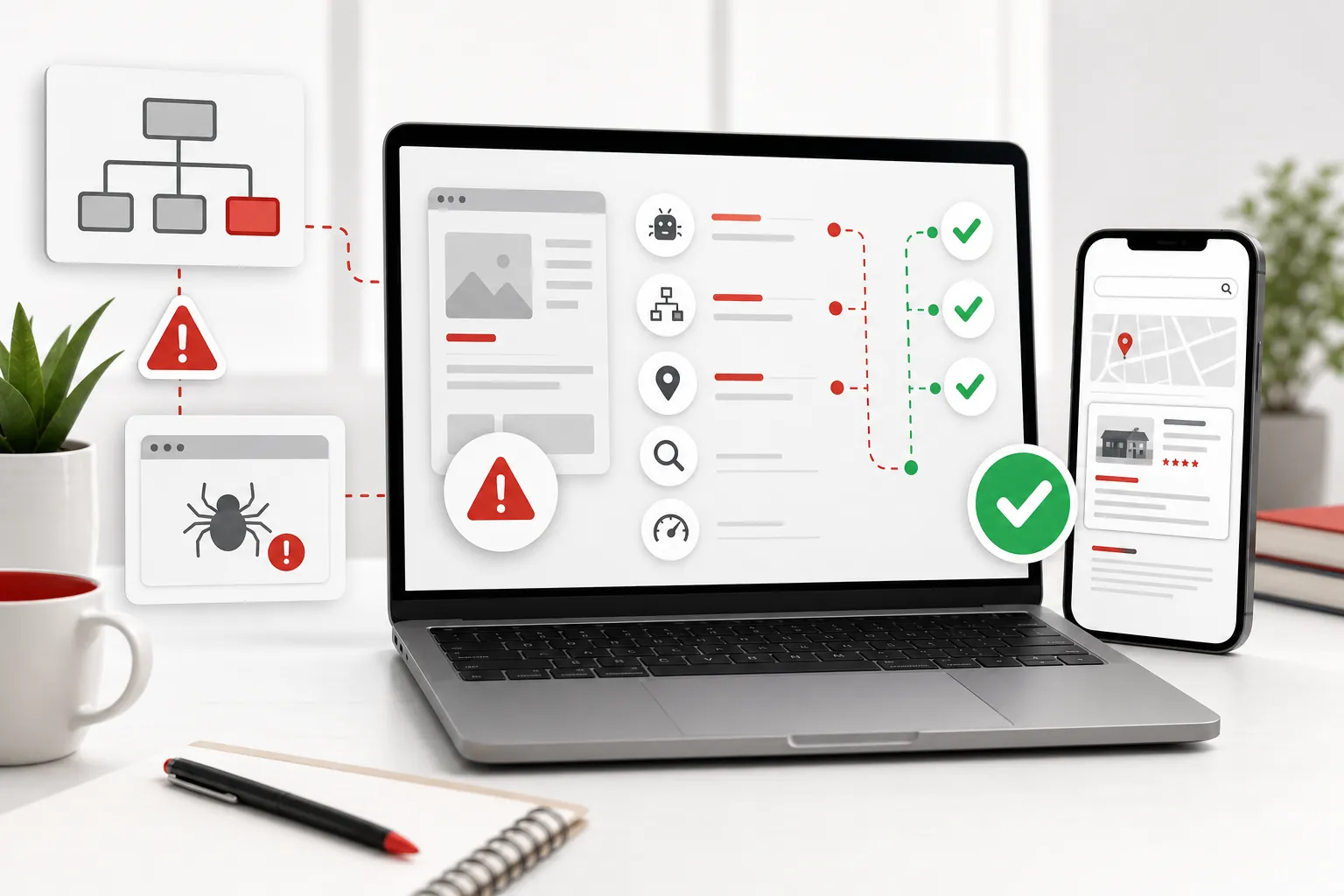
Crawling also depends on ordinary site navigation. If a page is not linked from the menu, footer, related pages or another crawlable route, it can behave like a locked cupboard. Visitors will not find it, and Google may not treat it as important. Your main service pages should be reachable from sensible internal links, not buried behind scripts, forms or random image tiles.
Internal links also pass context. A guide about website costs should link to pricing. A guide about trust should link to proof. A service page should link to FAQs that answer sales objections. That helps visitors move forward and helps Google understand which pages matter.
Make your pages match real customer language
Search visibility improves when your page uses the words your customers actually use. That does not mean stuffing the same keyword into every heading like it owes you money. It means writing clearly about the service, problem, location and decision your customer has in mind.
A page titled “Solutions” is weak because it could mean almost anything. A page titled “Website rebuilds for UK small businesses” is stronger because it names the offer and audience. A paragraph that says “we offer bespoke digital excellence” is fog. A paragraph that says “we rebuild your existing website, keep the useful content, fix the missing search signals and keep improving it after launch” gives Google and humans something useful to work with.
This is also why blog posts work when they are properly planned. A practical guide can answer a research question, earn trust, and then point readers toward the service page that solves the bigger problem. Thin posts written only to “have a blog” do not do that. They just add clutter with a publish date.
Sort out your local business signals
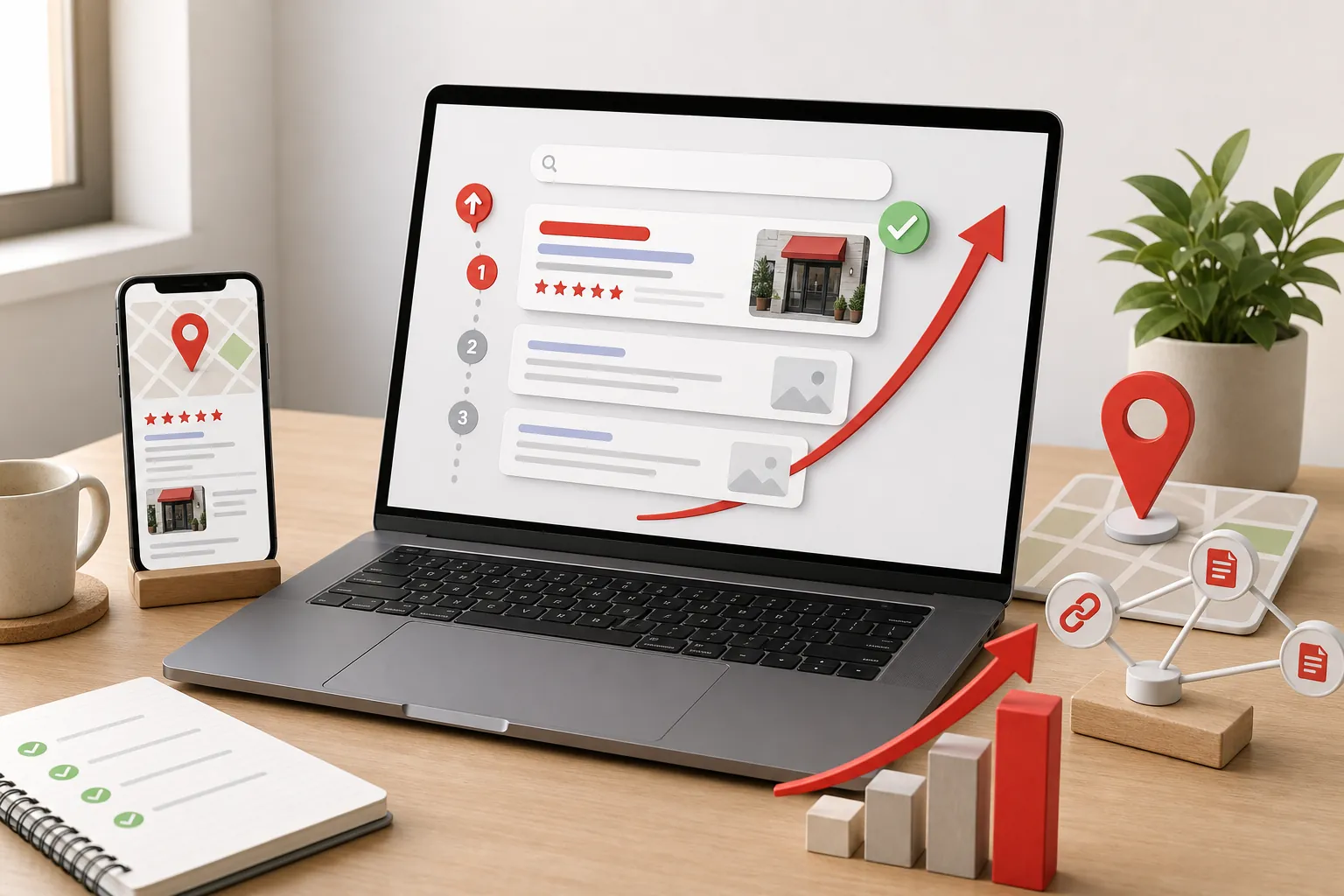
If you serve a local area, your website is only one part of the picture. Google Business Profile matters too. Google's own local ranking guidance says businesses with complete and accurate information are more likely to show in local results, and it describes relevance, distance and prominence as the main local ranking factors. Google's local ranking guidance
That means your name, address, phone number, opening hours, categories, services, reviews, photos and website should all tell the same story. If your profile says one thing, your site says another, and your reviews mention services you never describe on the website, Google has to work harder to understand you. Customers do too.
For a small business, this is often the quickest trust win. Keep your profile accurate, respond to reviews, add useful photos, and make sure the website clearly supports the same services and locations. Local search is not just a technical game; it is a trust game with a map attached.
Build trust signals into the page, not just the footer
A website can be indexed and still lose the click because it does not feel credible. Searchers are comparing options quickly. They want to know whether you are real, whether you serve their area, whether you understand their problem, whether other people trust you, and whether taking the next step feels low-risk.
Good trust signals include reviews, case studies, before-and-after examples, accreditations, guarantees, clear pricing, recognisable partners, real photos, useful FAQs and plain contact routes. They should appear where the buyer needs them, not only in a lonely footer link. If someone is halfway through a service page and wondering whether you can deliver, show proof there.
118 118 Sites leans on proof because trust affects conversion. The proof page gives visitors reasons to believe the brand, while the pricing page removes one of the biggest sources of hesitation: not knowing what the next step will cost.
Do not confuse paid ads with organic visibility
Paid ads can put you near the top quickly, but that does not mean your website is healthy. Stop paying and the visibility stops. Organic search is slower, but the work compounds when pages become clearer, stronger, better linked and more trusted over time.
This matters because many small businesses spend money driving people to pages that were never built to convert. They pay for clicks, then lose visitors to vague copy, weak proof, slow pages or no clear next step. The smarter order is to fix the site's search and conversion foundations, then decide where ads still make commercial sense.
The aim is not to avoid ads forever. The aim is to stop being dependent on them for every customer. A stronger website gives you more ways to be found and more chances to convert the people who already arrive.
Watch the right signals after you publish
Once the pages are live, the job changes from “is my site on Google?” to “is Google starting to understand the right pages?” Search Console is useful because it separates impressions, clicks and indexing. Impressions mean pages are being shown somewhere in search. Clicks mean the title, description and search position were good enough to earn a visit. Indexing tells you whether Google has stored the page at all.
Early impressions are not always glamorous. You might see searches for your brand name first, then long-tail service questions, then broader commercial terms later. That is normal. A new or rebuilt site usually needs time to prove itself. The useful move is to look for weak signals: pages with impressions but no clicks, important pages with no impressions, or searches that nearly match your offer but land on the wrong page.
Those signals tell you what to improve next. A page with impressions but poor clicks may need a clearer title and description. A page with traffic but no enquiries may need stronger proof or a better call to action. A service people search for but cannot find on your site may need its own page. This is how organic growth works in the real world: not one heroic launch, but a steady loop of publish, measure, improve.
Avoid the shortcuts that create bigger problems
The fastest way to waste time is chasing tricks instead of making the site more useful. Do not buy random links from strangers, publish spun articles, hide keyword-stuffed text at the bottom of pages, copy competitors, or create dozens of near-identical location pages with only the town name changed. Those shortcuts might look productive in a spreadsheet, but they usually create weak pages that customers do not trust and search engines have no strong reason to reward.
Also be careful with redesigns that remove useful content. A site can look cleaner and perform worse if important service pages, old URLs, reviews, FAQs or local details disappear. If you are replacing an existing website, keep what has value, improve what is unclear, and redirect old useful pages to the closest new equivalent. Throwing everything away because the new homepage looks tidier is how businesses accidentally delete search history they had already earned.
Good SEO is not about making the site bigger for the sake of it. It is about making the site easier to understand, easier to trust and easier to act on. If a change does not help Google understand the business or help a customer make a decision, it probably belongs in the bin.
Use this practical checklist
- Make sure every important service has its own clear page.
- Connect the website to Google Search Console.
- Submit a sitemap so Google can discover the pages faster.
- Keep your Google Business Profile complete and accurate.
- Add proof, reviews and useful answers that reduce doubt.
- Track what gets impressions, then improve the weak pages.
How 118 118 Sites helps
Most owners do not need another dashboard. They need the website work handled in the right order: find the gaps, rebuild the missing structure, make the pages clear, fix technical blockers, add useful content, and keep improving based on real search and traffic signals.
That is the point of 118 118 Sites. The site can be rebuilt quickly, but the important part is what happens after launch. Search visibility grows through steady, useful work: better pages, stronger internal links, clearer local signals, smarter content and fewer conversion leaks. Boring? Sometimes. Effective? Much more often than shouting “rank me” at a homepage and hoping for the best.
If you want to see where your current website is leaking visibility, start with the free site audit. It gives you a clearer view of what needs fixing before you spend more money sending people to a site that Google, or customers, may not understand.
Frequently asked questions
How long does it take for my website to appear on Google?
It can happen quickly, but it is normal for changes to take days or weeks to show properly. Google says some changes can take a few hours while others can take several months, so the useful move is to publish correctly, submit the site, and keep improving it rather than panic-refreshing Search.
Can I pay Google to put my website higher in the normal results?
No. You can pay for ads, but you cannot buy a better organic or local ranking. Google says local results are mainly based on relevance, distance and prominence, which means your website, business profile, reviews and wider reputation all need to make sense together.
Why is my business showing on Google Maps but not in normal search?
Maps and normal search use overlapping signals, but they are not the same thing. Your Business Profile can help you appear locally, while your website still needs clear pages, useful content, crawlable structure and enough trust signals for Google to understand what each page should rank for.
Do I need a blog to get my website on Google?
You do not need a blog just to be indexed, but useful articles can help you answer the questions customers search before they are ready to buy. The trick is to publish guides that genuinely help, then link them back to the pages where visitors can take the next step.