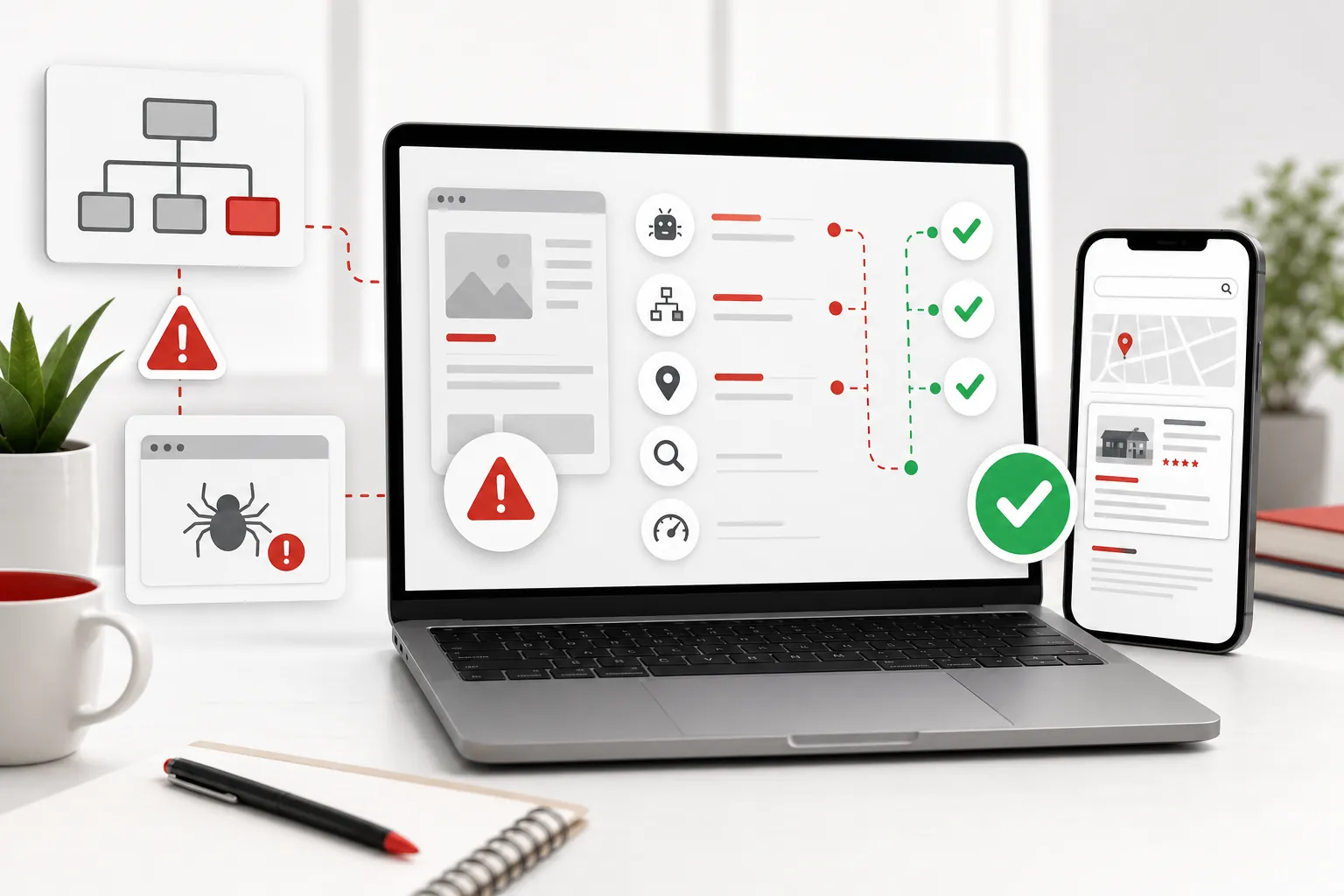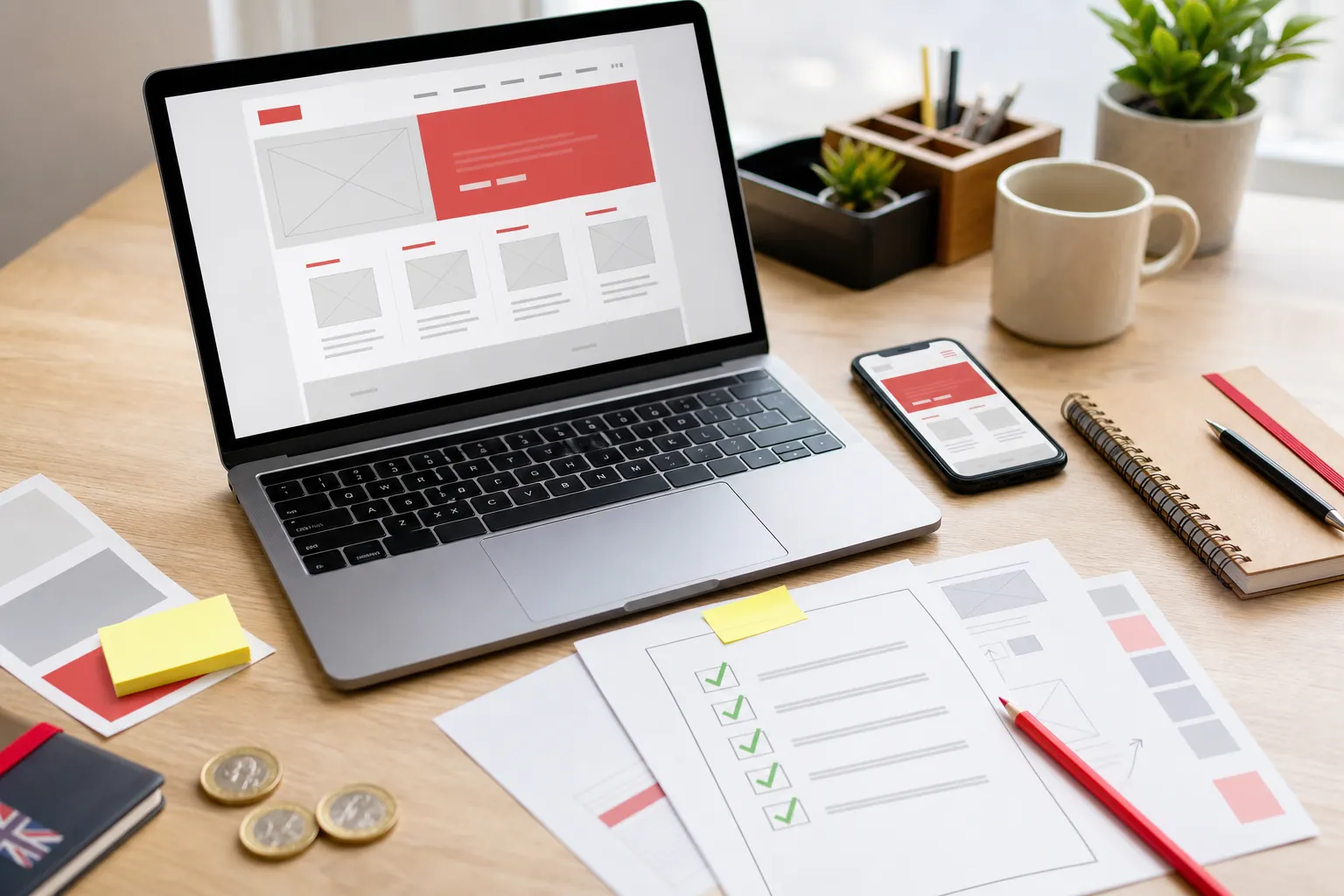
A website redesign should not be a cosmetic panic project. For a small business, the job is bigger than making the homepage look newer. The redesign has to make the offer clearer, protect the pages that already have value, work properly on mobile, and make it easier for customers to trust you and take the next step.
That is why a website redesign checklist matters. Without one, it is very easy to buy a cleaner-looking site that quietly removes useful content, breaks old links, weakens enquiry routes or leaves the same vague message in a nicer font. Congratulations, your problem now has better padding.
Current redesign guides usually agree on the broad shape: review performance, set goals, understand users, plan the structure, protect search visibility, test before launch and monitor afterwards. GoDaddy's UK redesign guide, for example, frames redesign work around analytics, user feedback, structure, migration mapping, pre-launch testing and post-launch monitoring. GoDaddy's website redesign guide
1. Decide whether you need a redesign or a refresh
Start by being honest about the size of the problem. A refresh changes surface-level pieces: images, colours, small copy updates, a few layout improvements or a tidier first screen. A redesign changes the structure, pages, content, navigation, customer journey, technical setup or platform. Both can be useful. They are not the same job.
A full redesign makes sense when the website is hard to use, hard to update, no longer matches the business, performs badly on mobile, misses important services, loads slowly, gets visitors but not enquiries, or has become a pile of pages nobody understands. If the site mostly works and only looks a bit tired, do not reach for the sledgehammer because the button colour offends you.
This matters commercially because bigger changes carry more risk. Google's own site-move guidance says significant site changes can cause ranking fluctuations while pages are recrawled and reprocessed. The larger the change, the more you need a plan. Google's site move guidance
2. Write the business goal before touching the design
A redesign brief that says "make it modern" is not enough. Modern for what? More calls? More quote requests? Better local trust? Better recruitment? Clearer pricing? A stronger handoff from ads? A website can look current and still fail if nobody has defined the commercial job.
Pick the primary action the site should earn. For many small businesses, that is an enquiry, call, booking, audit start, quote request or checkout. Then decide which pages support that action: homepage, service pages, pricing, proof, FAQs, contact routes, useful guides and local pages. The redesigned site should make that route easier, not just prettier.
If you are not sure where the current site is weak, start with a free site audit. It gives a clearer view of whether the problem is visibility, trust, structure, mobile experience or the route from visitor to enquiry.
3. Audit the pages that already have value
Before removing or renaming anything, list the pages that already matter. These might be pages that get visits, bring enquiries, earn links, show in Search Console, support local trust, answer frequent buyer questions or get shared by the team. A page can look boring and still be doing useful commercial work.
This is where small businesses often get caught. The redesign team tidies the navigation, removes old pages, changes page addresses and rewrites service copy to sound sleeker. The new site feels cleaner, but the old pages that search engines and customers understood have disappeared. If those pages were earning visibility or trust, that tidy-up can be an expensive little bonfire.
Use Search Console and analytics to find what is already being seen. If a page gets impressions but few clicks, it may need a better title and clearer promise. If it gets visits but no enquiries, it may need stronger proof and a clearer action. If it gets links from other sites, preserve or redirect it carefully.
4. Map old pages to new pages before launch
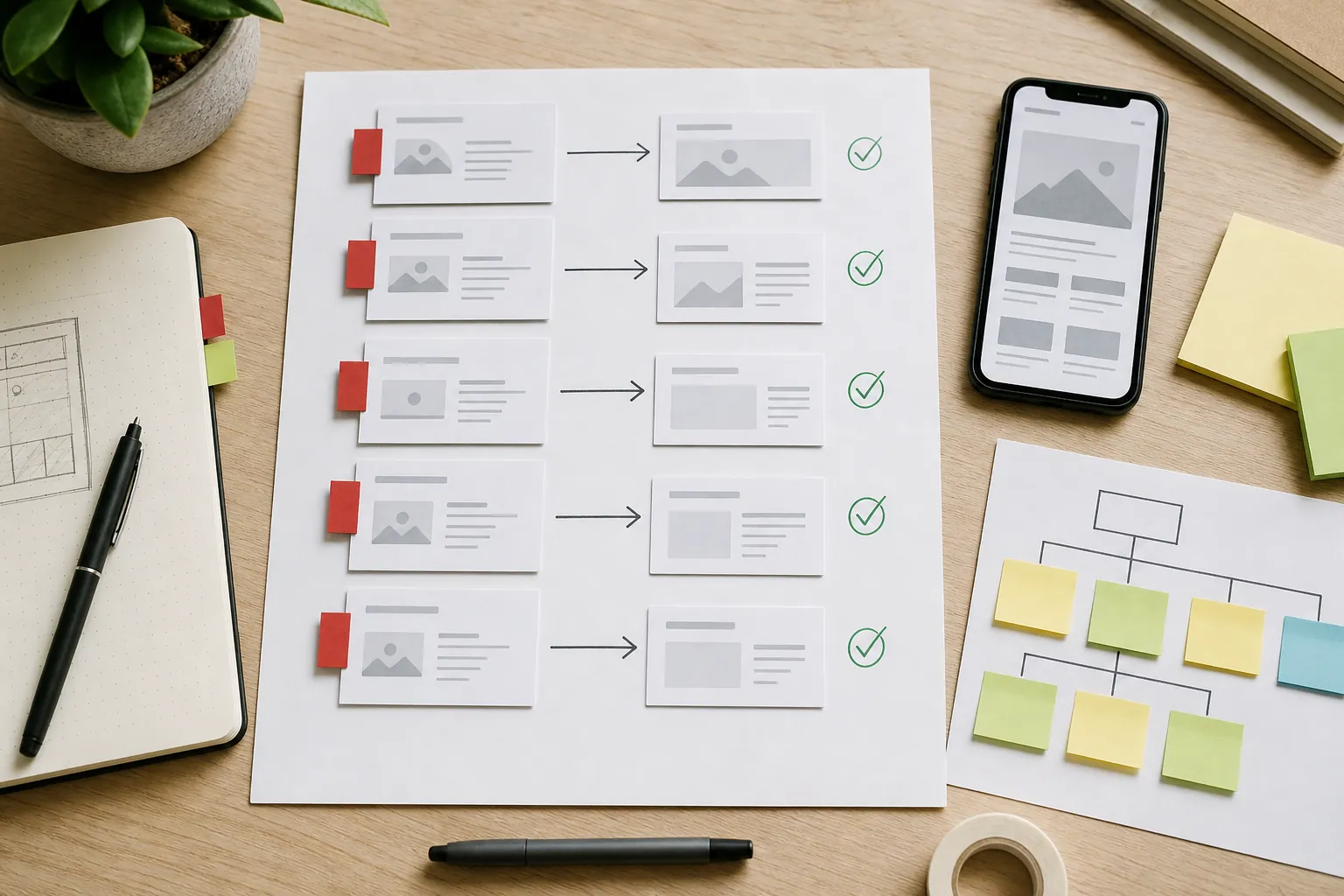
If page addresses are changing, create a simple redirect map before the new site goes live. The map should pair each useful old page with the closest relevant new page. Do not send every old page to the homepage. That is lazy for visitors and vague for search engines.
Google explains that permanent redirects can tell Google which new URL should be shown instead of the old one. A redesign should use that clarity when pages move, merge or change address. Google's redirect guidance
Keep the map practical. Old plumbing-service page to new plumbing-service page. Old pricing page to new pricing page. Old guide to the closest updated guide. If a page was thin, duplicated and had no value, it may be fine to retire it properly. But if it had traffic, links, enquiries or clear relevance, give visitors a clean route forward.
5. Rebuild the page structure around customer decisions
A redesign is a good time to fix structure, not just decorate weak pages. Each important service should have a clear page. Each page should answer a real customer decision: what is this, who is it for, where do you work, what happens next, why should I trust you, what might it cost, and what should I do now?
Vague page labels are a common leak. "Services" is not enough if the business offers several different things people search and compare separately. "Solutions" is worse unless the page immediately explains the actual solution. A redesigned site should make the main choices obvious in the navigation and in the internal links between related pages.
For 118 118 Sites, that is why there are focused pages for small-business website design, website redesign services, small-business SEO services and conversion-rate optimisation services. Different problems deserve different answers.
6. Rewrite copy before polishing the interface
Many redesigns fail because the business keeps the same weak message and wraps it in a new layout. If the current site says "quality service", "friendly team" and "tailored solutions" without explaining anything concrete, a new template will not save it. It just lets the fog wear nicer shoes.
Rewrite the first screen first. It should say what the business does, who it helps, why that matters and what the visitor can do next. Then work through the core pages. Add proof where claims need support. Add FAQs where buyers hesitate. Add pricing clues where cost anxiety starts. Add local detail where customers need to know whether you serve them.
Google's helpful content guidance is useful here because it pushes site owners to create content for people first: information that is useful, reliable and satisfying for the reader's goal. That standard applies to a service page as much as a blog article. Google's people-first content guidance
7. Protect the basics: mobile, speed and accessibility
A redesigned website is not finished because it looks good on a large screen in a design preview. Check the pages on a phone. Check menus, tap targets, forms, image crops, line breaks, sticky bars, cookie choices and whether the main action is still obvious when the screen is small.
Speed matters because slow pages create doubt before anyone reads the offer. Use PageSpeed Insights as a practical check, not as a trophy cabinet. The point is to spot oversized images, layout shifts and slow-loading pages that make the business feel less trustworthy. Google PageSpeed Insights
Accessibility belongs in the same checklist. Make sure text has enough contrast, buttons can be used with a keyboard, form fields have labels, images have meaningful alt text where needed, and headings follow a sensible order. This helps more visitors use the site and usually makes the page clearer for everyone else too.
8. Check forms, calls to action and trust routes
Redesigns love big visuals. Customers love knowing what to do next. Check every primary action before launch: enquiry forms, quote buttons, phone links, booking links, audit starts, checkout flows and email routes. A beautiful page with a broken form is not a brand moment. It is a leak with a hero image.
Put trust close to action. Reviews, proof, pricing clarity, guarantees, examples, real company details, legal links and helpful FAQs should appear where the visitor starts hesitating. Sending everyone to a separate proof page can help, but the strongest pages also carry proof directly beside important claims and decisions.
If the redesigned site uses analytics, advertising, forms or cookies, check the privacy and cookie surfaces too. Keep approved legal wording intact, but make sure visitors can find it and that consent choices are not hidden or awkward.
9. Test the new site like a customer
Before launch, stop reviewing the site like the person who built it. Open it like a customer. Can you understand the offer in a few seconds? Can you find the right service? Can you trust the business? Can you take action on mobile? Are there any broken links, missing images, cramped cards, confusing labels or pages that still sound unfinished?
Test the boring bits too: footer links, policy links, 404 page, old URLs, enquiry confirmation, mobile menu, image loading, form validation and page titles. Redesign mistakes are often small and dull. Unfortunately, customers do not care that the mistake was dull when it stops them enquiring.
The Search Engine Land redesign checklist makes the same broad point for search: protect URLs, redirects, metadata, internal links and monitoring, because a visually improved site can still lose visibility if the migration details are mishandled. Search Engine Land's site redesign checklist
10. Monitor what happens after launch
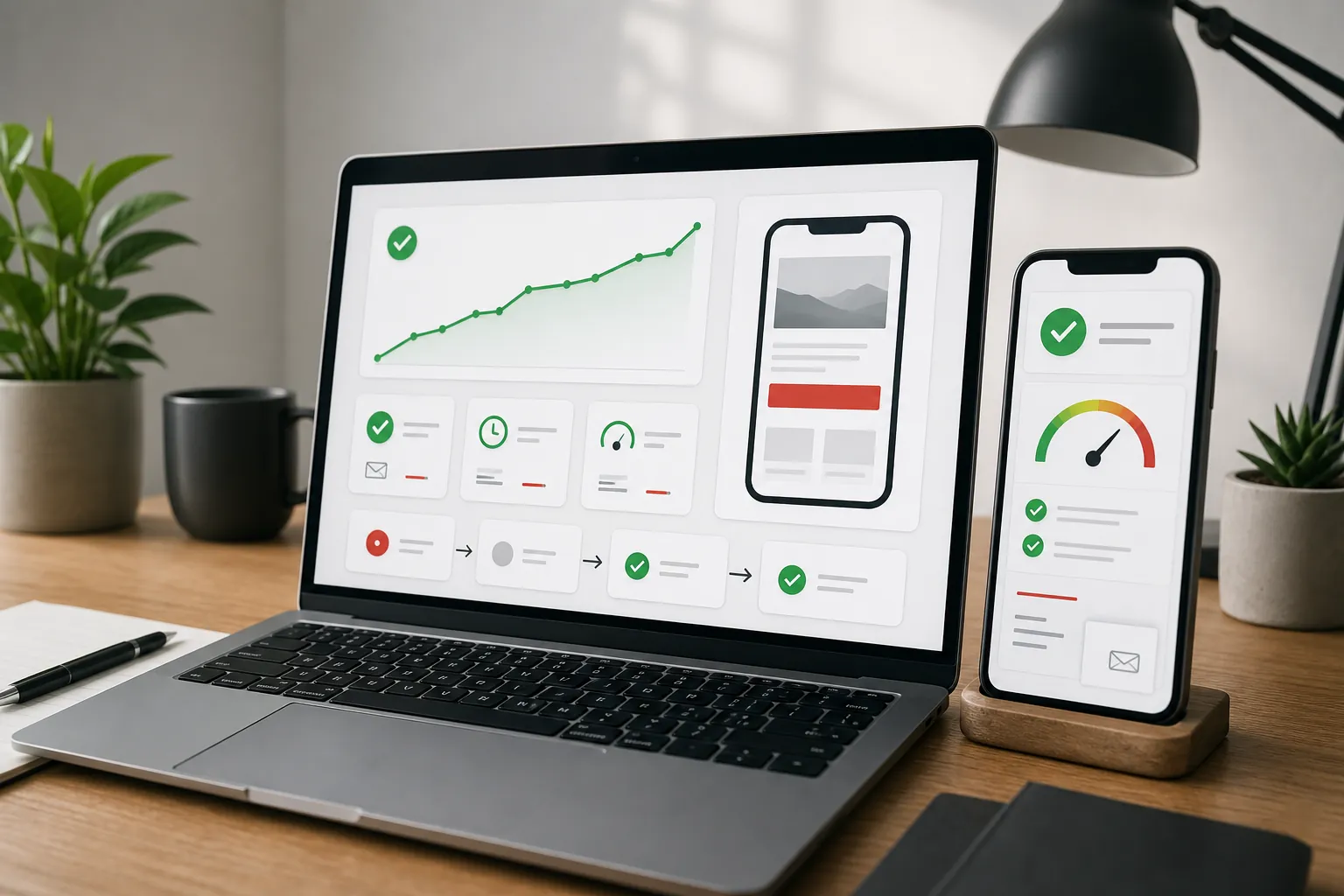
Launch day is not the end of the redesign. It is the point where the site starts proving whether the decisions were right. Watch whether important pages are being indexed, whether search impressions return, whether visitors use the expected routes, whether forms work, and whether the pages closest to revenue are earning action.
Expect some movement if the redesign changed structure or URLs. The useful response is not panic. It is monitoring and fixing. If an old page was missed, redirect it. If a new page gets impressions but no clicks, improve the title and description. If traffic lands but does not enquire, strengthen the proof and call to action. If a service is still hidden, give it a clearer page and internal links.
This is the difference between a one-off redesign and a growth system. The Grow traffic work is built around that loop: publish, measure, improve and keep removing the reasons people do not find, trust or contact the business.
Use this practical checklist
- Decide whether the site needs a redesign or a smaller refresh.
- List the pages, enquiries, links and search visibility worth protecting.
- Map every useful old page to a clear new page before launch.
- Rewrite vague pages around customer questions, proof and next steps.
- Check mobile layout, forms, speed, accessibility and cookie choices.
- Monitor search, traffic and enquiries after launch so weak spots get fixed.
How 118 118 Sites helps
118 118 Sites is built for owners who do not want a website redesign to become another job they have to manage. The starting point is the audit: what is being missed, what is unclear, what is stopping enquiries, and what needs protecting before anything changes.
From there, 118 can rebuild the missing pieces and keep improving the site after launch: clearer service pages, useful articles, stronger internal links, better mobile polish, technical checks, proof, pricing clarity and practical routes from search to enquiry. The redesign is not treated as the finish line. It is treated as the new baseline.
If you are thinking about replacing an old website, start with the free site audit. Then compare website redesign services, pricing and proof before you pay for a prettier version of the same old problem.
Frequently asked questions
When should a small business redesign its website?
Redesign the website when the current site is unclear, hard to update, poor on mobile, slow, off-brand, missing important services, or failing to turn visitors into enquiries. If the site is mostly working and only feels a little dated, a focused refresh may be enough.
Can a website redesign hurt search traffic?
Yes. A redesign can hurt search traffic when useful pages are removed, addresses change without redirects, content gets thinner, page titles are weakened, or the site launches with crawl and indexing problems. A planned redesign protects what already works before changing the look.
What should be checked before redesigning a website?
Check the pages that already get visits, enquiries, links or impressions. Review mobile usability, page speed, contact routes, service pages, titles, redirects, analytics, forms, policy links and the customer questions the new site must answer.
Should I redesign the whole site at once?
Not always. If the business is small and the current site is weak throughout, a full rebuild can make sense. If only a few important pages are underperforming, improving those pages first can be safer and faster than changing everything at once.