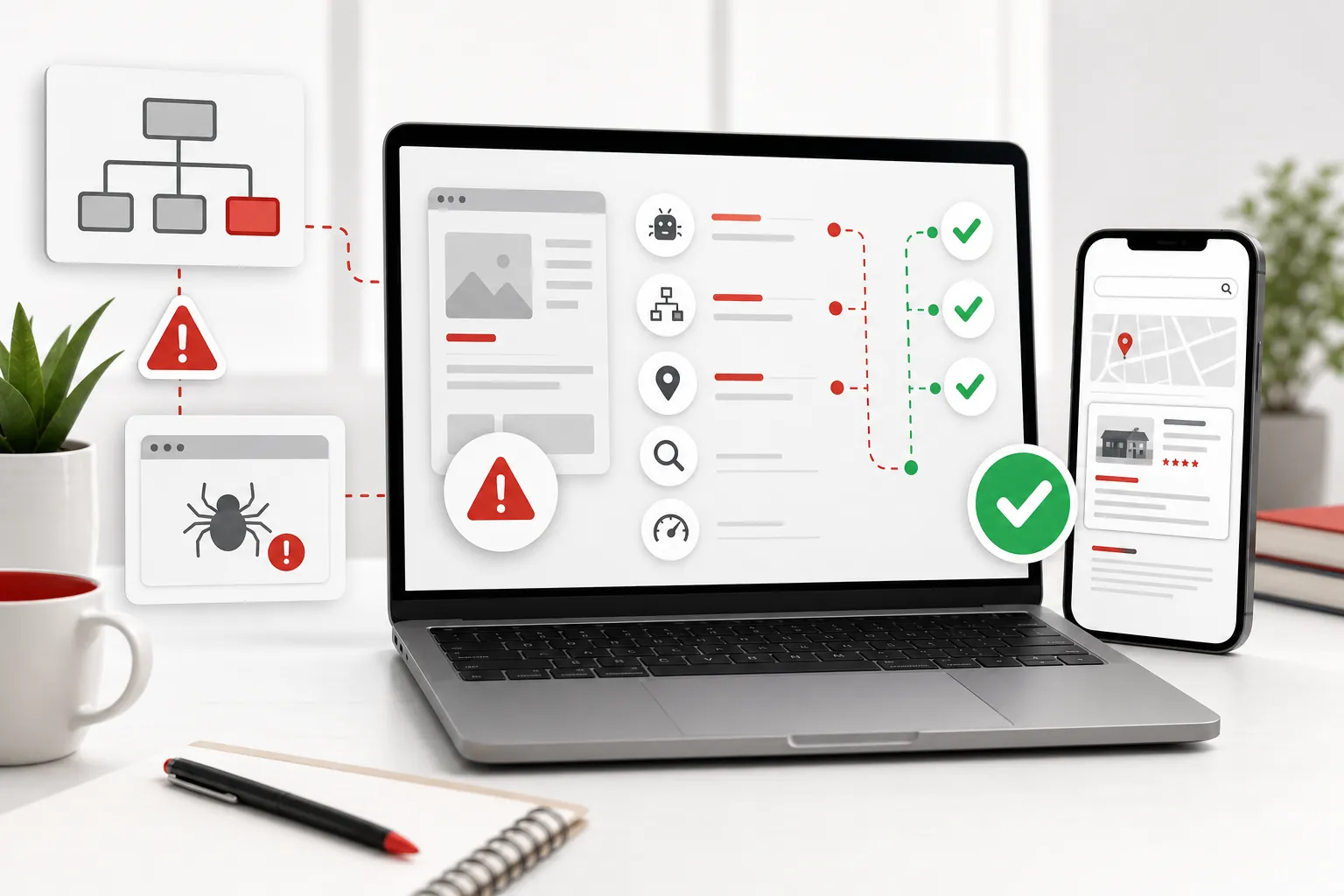
A website content audit is a practical way to find the pages that are helping your business, the pages that are quietly costing you enquiries and the pages that no longer deserve to exist. It is a check that your website still gives a potential customer the right information to choose you.
Most small-business sites do not become unhelpful overnight. A service changes, a price is updated in one place but not another, a good customer question never makes it onto the site, or an old page keeps describing how the business worked two years ago. Individually those look minor. Together they make a visitor hesitate.
A content inventory answers, “What is on the site?” A content audit answers, “Is it still doing a useful job?” Nielsen Norman Group makes the same distinction: an inventory records the content, while an audit assesses its quality and identifies what should be updated, added or removed. Its content-audit guidance is a useful reminder that a list of URLs is only the starting point.
When a content audit is worth doing
You do not need to wait for a full rebuild. A content audit pays for itself when the business has changed, the site has grown in a piecemeal way or people keep asking questions the website should already answer. It is especially useful before a website redesign, before sending paid traffic to the site, after taking on a new service or when the enquiry quality has slipped.
Start with the pages closest to the money: core services, location pages, contact routes, pricing or quote information, case studies, key FAQs and the homepage. A thin old article can wait if a service page still has an out-of-date offer or hides the route to get in touch. The best audit is not the largest spreadsheet. It is the one that gives the business an order of work.
1. Set one clear purpose for the audit
Decide what you need to learn before opening a spreadsheet. A small business normally has one of four useful reasons: make information accurate, improve the route to an enquiry, prepare for a redesign, or decide which pages deserve more attention. Do not try to solve every website problem in one pass. A focused question makes the decisions much easier.
For example, a local trades business adding a new service needs to check its service pages, areas, booking language and proof. An accountancy practice may need to make sure the site explains who it helps, what it handles and how a prospective client starts a conversation. A retailer may need to find pages that are competing with each other or sending customers to discontinued products.
If the wider concern is that the website is hard to find or technically fragile, pair this exercise with a broader website audit. Content quality matters, but it is only one part of a healthy customer journey.
2. Build a simple page inventory
List the pages a visitor can reach, including main pages, service pages, FAQs, articles, contact pages and important downloads. For each one, capture the address, page title, purpose, intended customer, main action and the last time someone checked it. University of Oregon’s digital team describes a content audit as both identifying the content you have and judging whether it meets user and business goals. Its audit overview is a sensible model for keeping the review tied to real decisions.
Do not make the inventory fussy. A useful sheet might have just eight columns: page, customer question, business purpose, current action, evidence, last review, owner and next step. The key is being able to sort the work later. If the sheet cannot show you which pages need attention first, it is paperwork rather than a tool.

3. Judge each page against the customer's next question
Read every important page as a customer would. Can they tell what you offer, whether it is for them, why they should trust it and what happens next? If the answer is unclear, the page has a job to do even if the writing itself looks polished.
Check the practical details first: current services, locations, opening times, prices or price guidance, staff information, contact routes and working links. Then check the persuasive details: relevant examples, reviews, qualifications, guarantees that are actually true and answers to the doubts people raise before they enquire. A good website support service should make these everyday changes easier, not leave them waiting for the next expensive rebuild.
Also look for pages that sound similar but have different purposes. Two pages can discuss the same service without being duplicates if one helps a visitor choose a service and the other answers a specific concern. They become a problem when neither page is clearly better, both use vague language and visitors have to guess which route applies to them.
Look for the gaps that create avoidable doubt
The most useful findings are often not dramatic. They are the missing details that make a visitor pause: no indication of who a service is for, a case study without a clear result, a testimonial without context, a contact page that does not say what happens after an enquiry, or a page that lists features but never explains the customer benefit. These are usually fixable without rebuilding the whole site.
Look for consistency as well. The same service should not have three different names across the homepage, services page and enquiry form. A price range should not appear in an old article and conflict with the current sales page. A business serving a new area should not leave the old area list in the footer or a forgotten location page. Inconsistent details do more than look untidy. They make a potential customer wonder which version to believe.
Give each page a short note against four questions: is it accurate, is it useful, is it easy to understand and does it lead somewhere sensible? If a page fails one question, note the precise reason. If it fails three or four, it is probably a priority rather than a minor edit.
| What to check | A useful page does this | Common warning sign |
|---|---|---|
| Purpose | Answers one clear customer question and supports one sensible next step. | It tries to explain every service to every audience at once. |
| Accuracy | Uses current services, prices, locations, people and contact details. | A visitor could act on information that is no longer true. |
| Trust | Gives a relevant example, review, qualification or practical reassurance. | It makes broad claims but leaves the visitor to take them on faith. |
| Journey | Links naturally to the next useful page, enquiry route or answer. | The visitor reaches the end with no obvious way to move forward. |
4. Choose a decision, not a vague note
Give every reviewed page one plain decision: keep, improve, combine, replace or retire. “Needs work” is too vague to be useful. “Update the service area, replace the old proof and add a clear quote route” tells someone exactly what to do.
Keep pages that are accurate, useful and still linked into a real customer journey. Improve pages with a valuable purpose but weak explanation, stale details or missing proof. Combine pages that repeat each other. Replace pages where the business or customer need has changed so much that a patch would be confusing. Retire pages only when they no longer serve a customer or commercial purpose, and check their links before removing them.
Peterborough City Council’s content playbook uses the same underlying test: assess quality, relevance and performance to decide what to keep, update or remove. Its published audit process is written for a larger estate, but the principle holds for a ten-page local-business site.
5. Prioritise the pages closest to an enquiry
You will usually find more opportunities than you can fix in a week. Prioritise by risk and value. A homepage that does not explain the offer, a service page with old prices, a broken enquiry route or a contact page with missing details belongs at the top. A slightly dated old article image does not.
A simple priority order is: pages that bring in enquiries, pages that set expectations, pages that build trust and pages that support research. This is why a content audit should feed into ongoing website management, not disappear into a shared drive. Good information needs a regular owner because services, teams and customer questions keep moving.
Use evidence without letting the numbers take over
Numbers can help you decide where to look, but they do not replace judgement. A page that gets visits but no enquiries may need a clearer offer, better proof or a stronger next step. A page with few visits may still be essential because it answers a question that a serious buyer asks before contacting you. Conversely, a busy page can be a poor asset if it attracts the wrong audience and sends people away disappointed.
Use the questions you hear from customers alongside the data. Sales calls, emails, reviews and support requests often reveal the words people use and the details they cannot find. If people keep asking whether you serve a particular area, whether a service includes a specific task or what the next step costs, the website may have a content gap. That is more useful evidence than guessing what might sound impressive.
Keep a short record of the changes you make, the date and the reason. It makes future reviews much easier because you can see whether a page was clarified, combined or replaced rather than repeatedly starting from scratch. It also stops a later update from quietly undoing an important explanation.

6. Turn the audit into a realistic review routine
Once the urgent fixes are complete, set a light routine. Review the top service and contact pages every quarter. Check the wider website after a price change, new service, policy update, new location, major campaign or customer-feedback trend. Give each important page an owner, even if that owner is simply the person who knows when the information changes.
Do not confuse fresh content with useful content. Adding another article will not fix a homepage that has stopped matching the offer. Equally, deleting older pages just because they are old can remove helpful information. The aim is a cleaner, more dependable journey for the next person who lands on the site.
Keep the routine proportionate to the business. A five-page service website may only need a focused quarterly check and a note whenever something changes. A business with several locations, frequent offers, a team of contributors or a large advice section needs a more deliberate schedule. The rule is simple: the more often a visitor could be misled by stale information, the more often that information deserves a review.
Make the review part of ordinary business activity. When you update a price list, launch a service, change a booking process or hear the same question from several customers, add the website check to the task. That is far easier than waiting until the site feels stale and then trying to remember every small change made over the previous year.
A short, regular review protects trust long before a customer has a reason to doubt you.
Use this website content audit checklist
- List every page a potential customer could realistically visit.
- Give each page one clear purpose and intended customer question.
- Check names, prices, services, areas, proof and contact details.
- Choose one action for each page: keep, improve, combine, replace or retire.
- Prioritise the pages closest to an enquiry or sale first.
- Set a sensible next review date and name the person responsible.
How 118 118 Sites helps
118 118 Sites helps small businesses turn a content audit into visible improvement. That can mean sharpening service pages, adding the answers customers need before enquiring, replacing stale information, strengthening proof or making the next step easier to find. The point is to keep the website useful after launch, not leave it frozen until the next redesign.
Start with a free website check, then look at website management, website redesign and pricing to choose the right level of help.
Frequently asked questions
What is a website content audit?
A website content audit is a structured review of the pages, documents and customer information on your site. It helps you decide what is accurate and useful, what needs improving, what is duplicated and what can be removed or combined.
How often should a small business audit website content?
Review key pages whenever your prices, services, locations, team, process or customer questions change. A fuller review every six to twelve months is sensible for most small businesses, with a lighter check after any major campaign or website update.
What should be included in a content audit spreadsheet?
Keep it simple. Record the page address, page purpose, intended customer, last review date, owner, evidence or enquiry route, current decision and the next action. The sheet should make it easier to act, not become another forgotten admin job.
Should I delete old website pages?
Only when they are genuinely obsolete, duplicate or misleading. Check whether the page still earns visits, links or useful enquiries before removing it. In many cases, a stronger replacement page or a careful redirect is better than simply making a useful address disappear.