The best website builder for a small business in the UK is not always the one with the longest feature list. It is the one that gets the right website live, makes the business look credible, keeps the next step obvious, and does not quietly hand the owner a second job they never wanted.
That last point matters. Website builders often look cheap because the monthly subscription is easy to understand. The hidden cost is time: choosing a template, writing the pages, sorting images, connecting forms, checking mobile layouts, fixing weak wording, adding proof, updating the site, and working out why visitors are not becoming enquiries.
So the useful question is not “which platform is famous?” It is “which route fits the way this business actually works?” A sole trader who needs a clean brochure site has different needs from a shop selling 300 products, a designer who wants precise control, or a busy owner who just wants the website sorted and kept moving.
Quick answer: the best picks by business type
If you want the website handled for you and improved after launch, start with 118 118 Sites. The build, hosting and ongoing improvement work sit in one monthly plan, so the owner is not left trying to become a part time web manager.
If you want to build it yourself, Wix is a strong all-round DIY option because it is flexible, widely supported and gives owners a lot of visual control. If you want a polished design-led brochure site, Squarespace is often easier to make look elegant without much tinkering. If selling products is the business, Shopify is usually the more serious ecommerce choice.
GoDaddy Website Builder is useful when speed matters and the site is simple. WordPress.com can work well for content-heavy sites when someone has the patience to manage it properly. Webflow is best for teams that want design control and have the confidence to use a more advanced tool.
- Choose 118 118 Sites if you want the website handled and improved for you.
- Choose Wix if you want flexible DIY control and can manage the work yourself.
- Choose Squarespace if design polish matters more than deep customisation.
- Choose Shopify if online selling is the core of the business.
- Choose GoDaddy if speed and simplicity matter more than fine control.
- Choose WordPress.com or Webflow if you have the skills or support to use them well.
How to choose before you compare prices
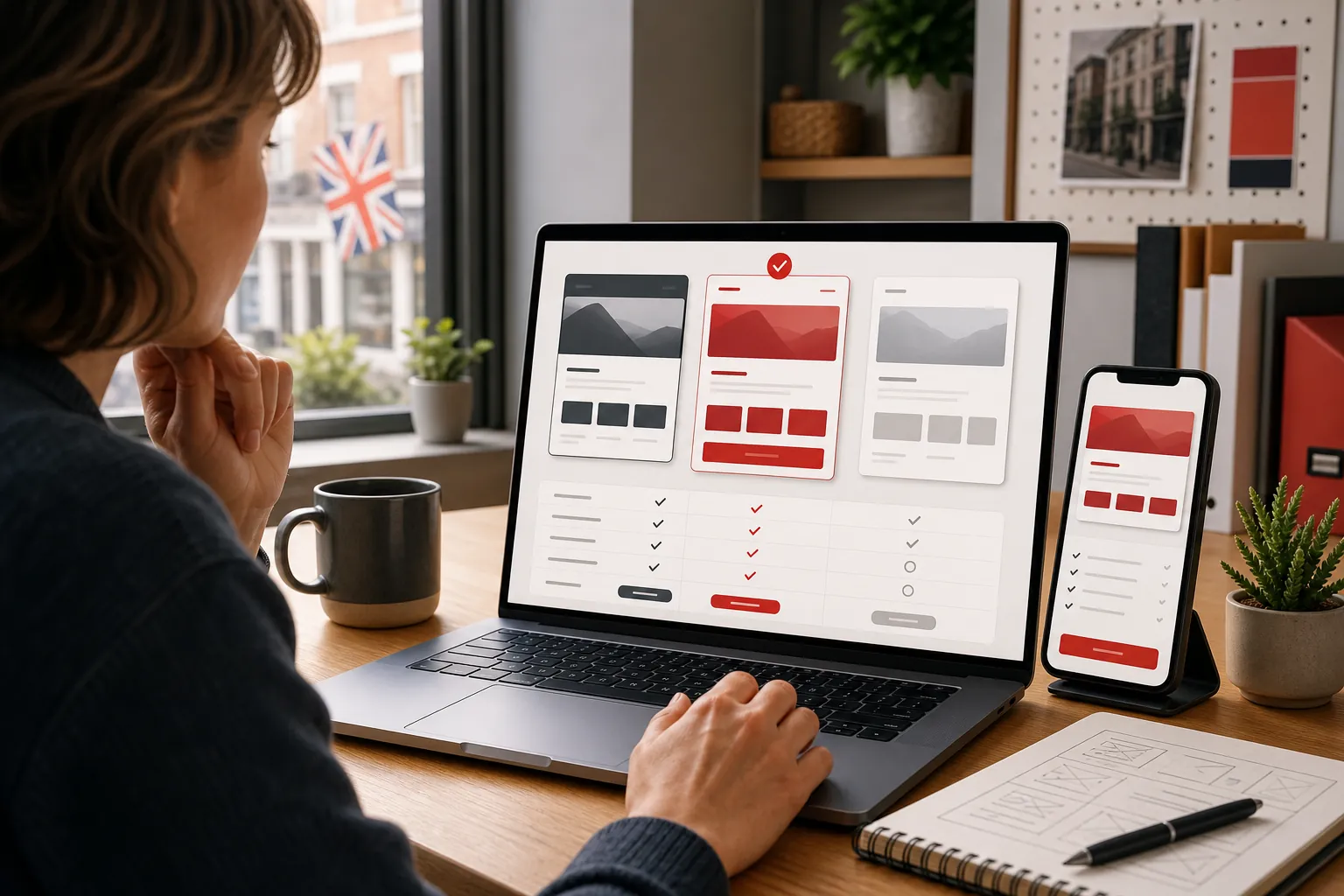
Price matters, but it should not be the first filter. A cheap site that looks unfinished, confuses visitors, or sits untouched for a year is not cheap. It is just a low monthly bill attached to a weak sales asset. Before comparing platforms, decide what the website must actually do.
For a service business, the site needs to explain the offer quickly, prove the business is real, answer common doubts, and make enquiry easy. For a local business, it also needs clear areas served, contact details, opening times, reviews and useful service pages. For a shop, the site needs stock control, payments, delivery rules, product pages and order management. For a consultant, it may need a sharp point of view, trust signals, useful articles and a simple booking route.
That is why “best website builder” answers can be misleading. TechRadar's 2026 testing names Wix as a strong overall builder, Hostinger as a value pick, Squarespace for templates and Shopify for online stores, which is sensible because those tools solve different jobs. TechRadar's 2026 website builder guide
1. 118 118 Sites: best if you want the website handled
118 118 Sites is the best fit for a UK small business owner who does not want another software tool to learn. The value is not “you get a blank builder”. The value is that the site is rebuilt, hosted, monitored and improved as part of one service.
That makes sense for owners who know their current site is not pulling its weight but do not have the time to write pages, adjust layouts, set up tracking, create useful content, test forms and keep improving the site month after month. The free site audit is a sensible first step because it shows whether the current site is being found, understood and acted on before the owner spends more money.
The tradeoff is control. If you love tweaking every block yourself, a DIY builder may feel more satisfying. If you want the business outcome without living inside a website editor, 118 is the cleaner choice.
2. Wix: best flexible DIY builder
Wix is a strong choice for owners who want to build and adjust their own site. It has lots of templates, apps, design controls and business features. Its own pricing page explains that a premium plan lets users connect a custom domain and remove Wix branding, while free creation is available for people testing the platform first. Wix pricing information
Wix is best when the owner is comfortable making decisions. That includes choosing a template, writing the page copy, setting up forms, checking the mobile layout, adding images, maintaining the site and knowing when a page is not working. The tool is capable; the owner still has to do the work.
Choose Wix if you want flexibility and are happy to manage the website yourself. Avoid it if the real problem is not software, but lack of time, writing confidence or growth know-how.
3. Squarespace: best for polished design-led sites
Squarespace is popular because it helps non-designers produce cleaner, more polished pages than many DIY tools. It suits photographers, consultants, restaurants, wellness brands, creatives and other businesses where visual trust matters.
Squarespace's pricing page says annual subscriptions include one year of free domain registration for new websites, and its plans are structured around monthly or annual billing. Squarespace pricing and features That makes it easy to understand as a packaged website subscription.
The tradeoff is that the polished structure can feel restrictive if you want deep layout control or unusual functionality. Choose Squarespace if you want a clean brochure site and you are happy working inside its design system.
4. Shopify: best for serious online selling
Shopify is not just a general brochure-site builder. It is built around commerce: products, checkout, payments, stock, fulfilment, discounts, channels and reporting. Shopify's UK pricing page lists ecommerce plans from Basic through Advanced and Plus, with online store features, payment rates, staff accounts and selling tools increasing by plan. Shopify UK pricing
Choose Shopify if the website is mainly a shop. It is especially strong when products, inventory, payments and customer orders matter every day. It can be overkill for a plumber, accountant, salon or consultant that mainly needs enquiries rather than a full checkout.
The mistake is choosing Shopify because it is famous, then using it for a simple service site that does not need commerce. A powerful shop platform is only valuable when selling products is central to the business.
5. GoDaddy: best for a quick simple launch
GoDaddy Website Builder is useful for owners who want to get something simple online quickly. GoDaddy describes its builder as a fast way to create a website from ready-made templates, with features ranging from appointments to ecommerce. GoDaddy Website Builder
That makes it a reasonable route for very simple websites: a basic local presence, a few pages, contact details and maybe appointments. The tradeoff is depth. If the business needs distinctive positioning, carefully written service pages, richer content or more control, a quick builder can start to feel boxed in.
Choose GoDaddy if speed and simplicity matter most. Do not choose it just because it feels safe and familiar; choose it because the website job is genuinely simple.
6. WordPress.com: best for content-heavy sites with patience
WordPress.com can be a strong option for businesses that want lots of pages, articles, publishing control and room to grow. Its pricing page says paid plans include hosting, domains, privacy, security, support and plugin installation on paid plans. WordPress.com pricing
The advantage is flexibility and publishing depth. The downside is that WordPress can feel less simple once themes, plugins, updates, settings and content structure enter the room. A good WordPress site can be excellent. A neglected WordPress site can become messy fast.
Choose WordPress.com if content is central to the business and someone will actively look after it. If you want the lowest-maintenance route, it may not be the calmest choice.
7. Webflow: best for design control and capable teams
Webflow gives more design control than a typical beginner website builder. Its pricing page positions the platform around custom websites, team workflows, site plans and workspace plans. Webflow pricing
Webflow suits designers, agencies and teams that want precision without building everything from scratch. It is less ideal for owners who simply want to log in, change a sentence and move on with their day. The more control a tool gives you, the more decisions it asks you to make.
Choose Webflow if design quality and control matter and you have the skill to use it well. If not, you may be paying for power you do not need.
Comparison table: which route fits?
| Option | Best for | Watch out for |
|---|---|---|
| 118 118 Sites | Owners who want the website handled and improved | Less suited to people who want to tweak every detail themselves |
| Wix | Flexible DIY brochure and business sites | The owner still has to make the site effective |
| Squarespace | Polished design-led service or creative sites | Can feel restrictive for unusual layouts or features |
| Shopify | Product businesses and serious ecommerce | Often too much platform for a simple service website |
| GoDaddy | Fast, simple local business launches | Less depth when the website needs stronger positioning |
| WordPress.com | Content-heavy sites with active management | Can become messy without someone maintaining it |
| Webflow | Design teams and businesses wanting precise control | More learning curve than beginner tools |
The hidden costs owners forget
Website builder pricing is easy to compare. The harder bit is comparing the whole job. Domain, email, booking tools, forms, image licences, ecommerce fees, app add-ons, premium templates, copywriting, photography, legal pages, accessibility fixes, analytics and ongoing updates can all change the real cost.
The biggest hidden cost is usually not a subscription. It is owner time. If you spend ten evenings wrestling with page sections, then still launch a site that does not earn trust or enquiries, the cheap builder was not really cheap.
There is also an opportunity cost. A website that sits online but fails to explain the offer clearly can make a good business look smaller, slower or less reliable than it is. That is painful because the owner may never know which enquiries quietly went elsewhere.
Do not choose by the nicest demo site
Most website builders show polished demo sites because that is the product at its best: perfect photos, neat copy, clean categories and no awkward real-world details. Your business will not start there. It will start with the material you actually have: a logo, some service notes, maybe a few photos, a handful of reviews and a lot of decisions still to make.
That is why template quality is only one part of the choice. A good template can help, but it will not decide what to say on the first screen, how to explain the offer, which proof to show, how to organise services, where to put pricing clues, or what a hesitant visitor needs to see before they enquire. Those are business decisions, not decoration decisions.
Before choosing a builder, look at one of your own service pages in plain text. Can a stranger understand what you do, who it is for, where you work, why they should trust you and what to do next? If not, the platform is not the bottleneck yet. The message is.
Best route by common small-business scenario
If you are a tradesperson, clinic, salon, consultant or local service business, the safest route is usually a clear service-led website with proof, locations, FAQs and a strong enquiry route. That can be done in Wix or Squarespace if you have time, but it is exactly the sort of site where managed help often pays for itself because the wording and structure matter more than clever features.
If you are selling products, start with the shop operations. How many products are there? Do you need stock control, variants, shipping rules, returns, discount codes, in-person sales or marketplace connections? If those questions matter every week, Shopify should be high on the list. If you only sell a handful of simple items alongside a service, a lighter builder may be enough.
If you are a creative business, brand presentation may carry more weight. Squarespace can be a sensible DIY route when the work is visual and the portfolio needs to look polished. Webflow can be stronger when design control is the point and someone skilled is managing the build. The danger is spending so much time making the site beautiful that the offer, proof and enquiry route become vague.
If you are replacing an old website, be careful. The goal is not just to make a fresher version of the same weak pages. Keep what works, remove what confuses visitors, and use the rebuild to make the business easier to understand. A platform change without a message improvement is just moving the furniture.
What a small-business website must get right first
The first version does not need every clever feature. It needs the basics done properly. The homepage should make the business instantly understandable. The main services need focused pages. The proof should appear before doubt takes over. The contact route should be easy on a phone. The site should load cleanly, use real images where possible and avoid vague claims that any competitor could copy.
A small business also needs a website that can change. Services shift. Prices change. Reviews arrive. New questions come up on calls. A weak page starts getting visits but no enquiries. A good website setup makes those updates normal, not a stressful rebuild every time something moves.
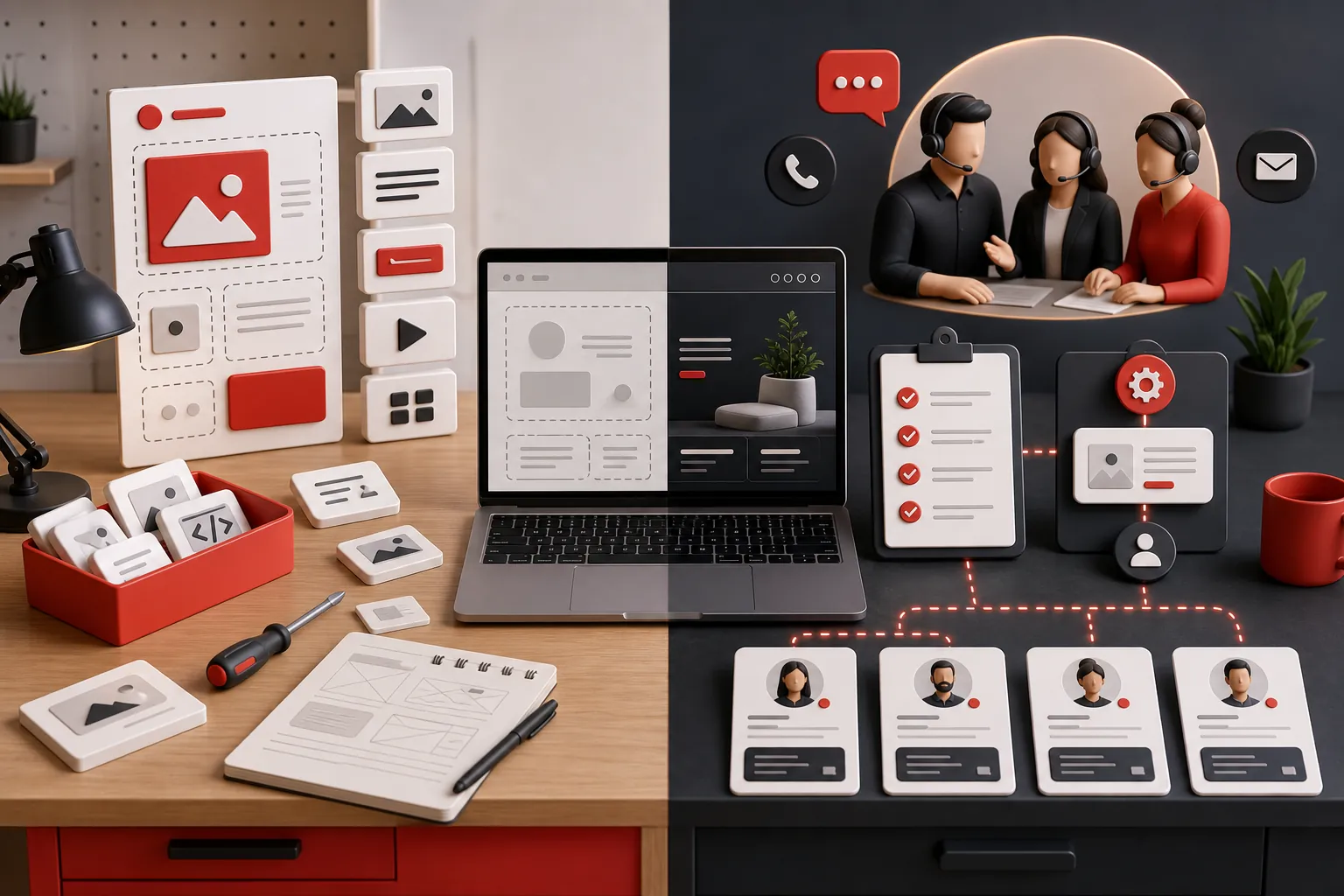
This is where DIY tools and managed services split. A DIY builder gives you the controls. A managed service takes responsibility for the work. Neither is automatically better. The better choice is the one that matches the owner's time, confidence and commercial need.

When a DIY builder is the right choice
A DIY builder makes sense when the business is simple, the owner enjoys the work, the site does not need much content, and getting live quickly matters more than building a serious growth asset. It can also be a good way to test a new idea before investing more heavily.
DIY is also fine when the owner already has the ingredients: clear offer, strong photos, good reviews, simple services, a few pages, and enough time to keep the site updated. In that case, Wix, Squarespace, GoDaddy or WordPress.com can be perfectly reasonable.
The cleanest DIY projects usually have a narrow scope. A therapist with three services, a cafe with menus and opening times, a tradesperson with a few local services, or a consultant with one clear offer can often start with a builder and get something useful live. The owner still needs to check the page on mobile, read every sentence aloud, test the enquiry route and remove anything that feels clever but does not help the customer act.
DIY starts to wobble when the business has too many half-decisions: unclear services, no proof, multiple audiences, awkward pricing, weak photos, complicated booking needs or no time to maintain the site. In those cases, the builder is not the problem. The business needs sharper choices before the design can do its job.
When managed website help is the better choice
Managed help makes more sense when the website is close to revenue. If the site needs to win enquiries, explain a valuable service, support a local business, persuade cautious buyers or keep improving over time, the work is bigger than picking a template.
It is also the better route when the owner has already tried DIY and ended up with a site that technically exists but does not pull its weight. That is common. Builders make it easy to publish pages; they do not automatically make those pages clear, trusted or commercially useful.
Managed help is also useful when the owner knows the business well but struggles to turn that knowledge into website copy. That is not a character flaw. Most owners speak clearly to customers in person, then freeze when a blank page asks for a headline. A good service turns the owner's expertise into pages customers can understand quickly.
Questions to answer before you choose
Ask how much time you can realistically give the website after launch. Not the optimistic version of you who colour-codes a notebook on Sunday night. The real version of you, with customers, staff, invoices, suppliers and the occasional printer-related meltdown.
Ask who will write and improve the pages. A builder does not know why customers choose you, which objections keep coming up, what proof matters, or which services are most profitable. Someone has to make those calls. If it is not you, choose a route where that work is included.
Ask what happens when the site is live but quiet. With a DIY builder, the next move is on you: review pages, rewrite weak sections, add proof, publish useful guides, fix contact friction and keep checking what visitors do. With managed help, that improvement loop is part of the service.
Finally, ask what failure would cost. If the website is just a basic online card, a simple builder may be enough. If the site needs to bring in serious enquiries, the cheapest route can become expensive very quickly.
How 118 118 Sites helps
118 118 Sites is built for owners who want the outcome, not the homework. The process starts with the free site audit, then gives the business a clearer website and keeps improving the pieces that matter: pages, wording, proof, internal routes, mobile clarity, measurement and content.
That is why 118 belongs in this comparison. It is not trying to be another empty builder with a prettier dashboard. It is for the owner who would rather run the business than spend evenings nudging blocks around and hoping the website starts working.
If you are choosing between a DIY builder and managed help, start by checking the current site. The audit will show whether the website is being missed, misunderstood or ignored, which is a much better starting point than guessing from a platform comparison chart.
Frequently asked questions
What is the best website builder for a small business in the UK?
The best choice depends on the job. 118 118 Sites is the better fit when the owner wants the website handled and improved for them. Wix suits flexible DIY builds, Squarespace suits design-led brochure sites, Shopify suits serious online shops, GoDaddy suits fast simple launches, WordPress.com suits content-heavy sites, and Webflow suits design teams that want deeper control.
Is a free website builder enough for a small business?
A free builder can be enough for testing an idea, but it is rarely enough for a serious business website. The usual compromises are branding, domain limits, weaker support, fewer business features and more owner time. If the website needs to win enquiries, a paid or managed route is usually more realistic.
Should I use a website builder or hire someone?
Use a builder if you have time, confidence and a simple offer. Hire help or choose a managed service if the site needs better copy, structure, design, updates, measurement and regular improvement. The decision is not just about the first build; it is about who keeps the website useful after it goes live.
Which website builder is best for selling online?
Shopify is usually the strongest choice when the business is built around products, stock, payments and fulfilment. Wix and Squarespace can handle lighter selling needs, but Shopify is built more directly around commerce. Service businesses that mainly need enquiries may not need a full ecommerce platform.